Weather intelligence. Connected to your operation.
Know what’s
heading for
your operation.
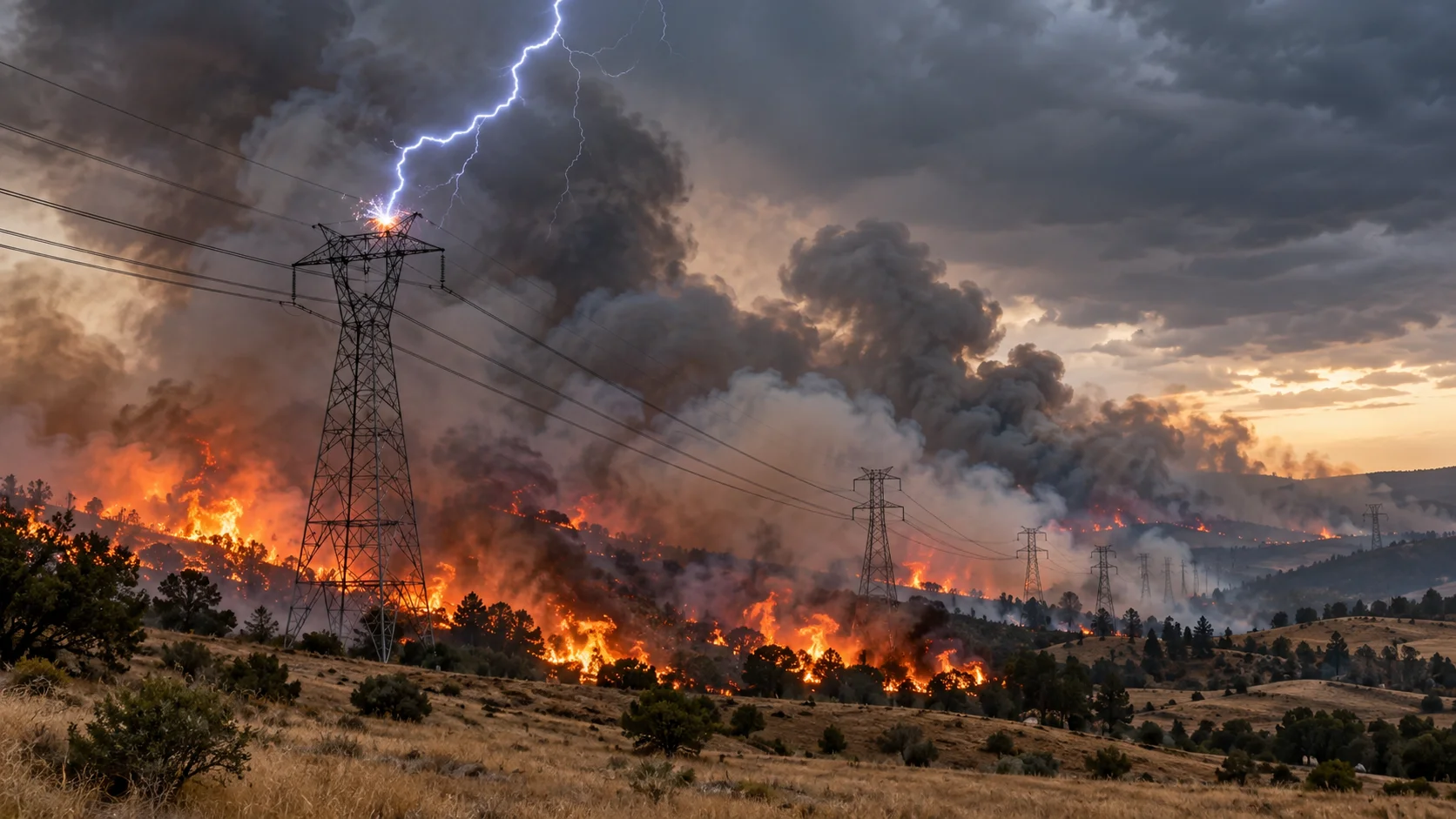
A storm crossing a power line. Lightning near a crew. Wind above a crane’s operating limit.
Signal4D brings weather, sensor readings and other operational data together around your assets. Alert on any one source, or combine them to catch the conditions that need attention.
Weather / Lightning / Wildfire / Sensors / Operational data
Inside OmniWatch / The Signal4D application
Your assets.
The conditions around them.
Bring the forecast down to the line, site or route where a decision needs to happen.
Take the product tour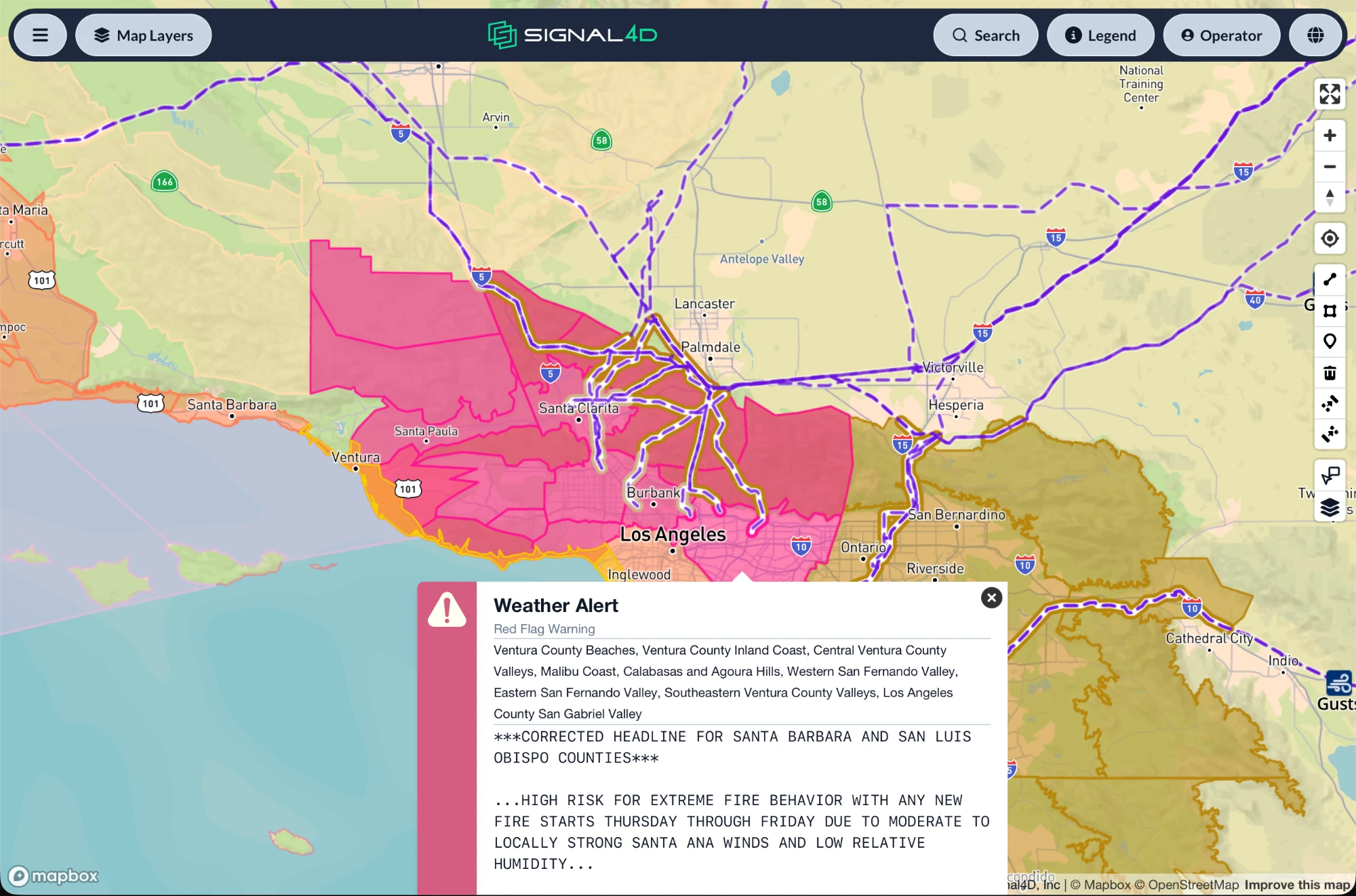
Which lines are in the warning area?
See a Red Flag Warning against the transmission network. The lines inside the warning area are highlighted, so your team can focus its attention on the affected infrastructure.
Explore this use Product screenshot · Example configuration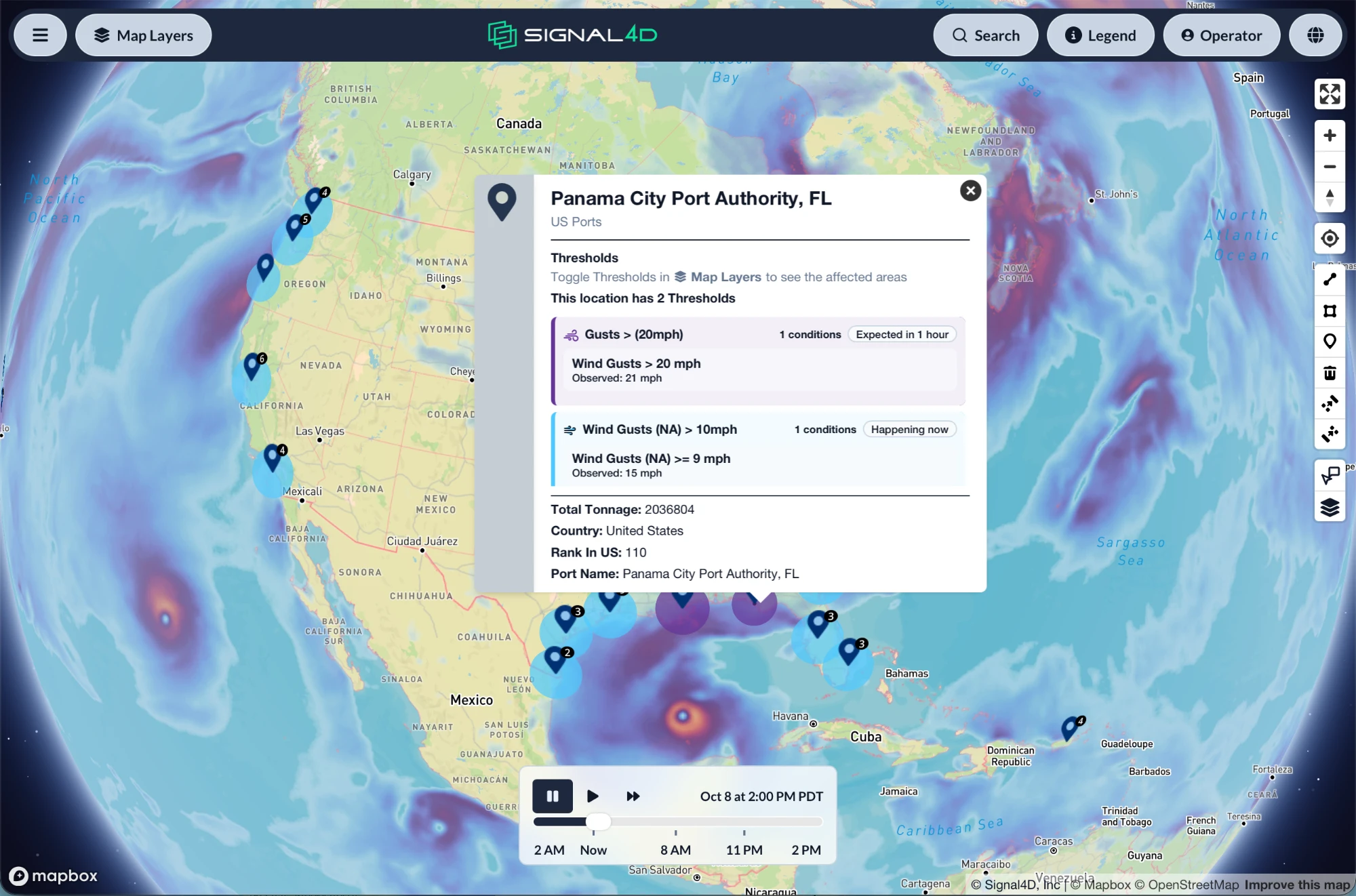
Which ports are nearing their wind limits?
Compare wind-gust forecasts across your ports. See which operating thresholds are already met and which are expected next, then open the port details to plan the response.
Explore this use Product screenshot · Example configuration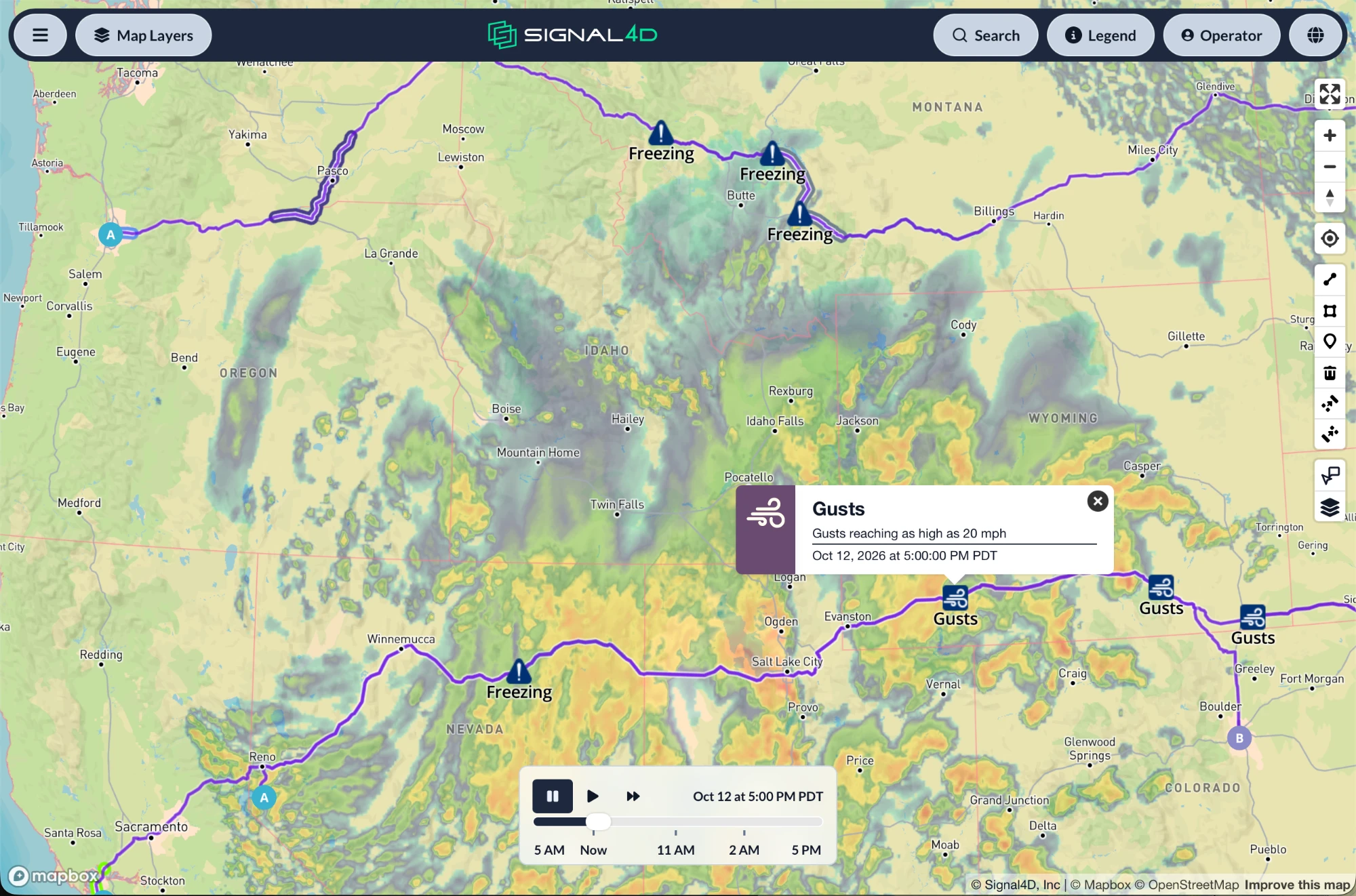
Where does the route cross bad weather?
Follow the conditions along your freight routes. Wind and freezing alerts identify the stretches that need attention, with radar on the same map.
Explore this use Product screenshot · Example configurationHow it works
Built around
your operation.
You know your network and its limits. Signal4D connects that knowledge with developing conditions, from a single site to operations across continents.
How the platform works- 01
Start with what you operate.
Add sites, lines, routes and land as points, lines and polygons. Connect sensor readings and live positions for fleets, vessels, aircraft and crews.
- 02
Set the conditions that matter.
Alert on a single data source, or combine weather, sensor readings and other inputs in a multi-condition rule. Choose the conditions that matter for each asset or area.
- 03
Give the team the same picture.
Share current conditions and forecasts across the operations center, desktop and field. Use role-based views, dashboards and alerts to keep each team informed.
Weather + sensors + your data
Build the alert around
what’s happening on the asset.
Weather is a core part of Signal4D. You can also bring in sensor readings and other data feeds, and alert on those independently or alongside weather in complex multi-condition rules.
Explore data & alertingExample alert rules
- Wind + line tension
- Wind gusts exceed 30 knotsANDDynamic line rating sensors report a sudden drop in tension
- Lightning + line sensors
- A lightning strike is detectedANDSmart line sensors trigger
Configure the thresholds and source conditions for the assets you monitor.
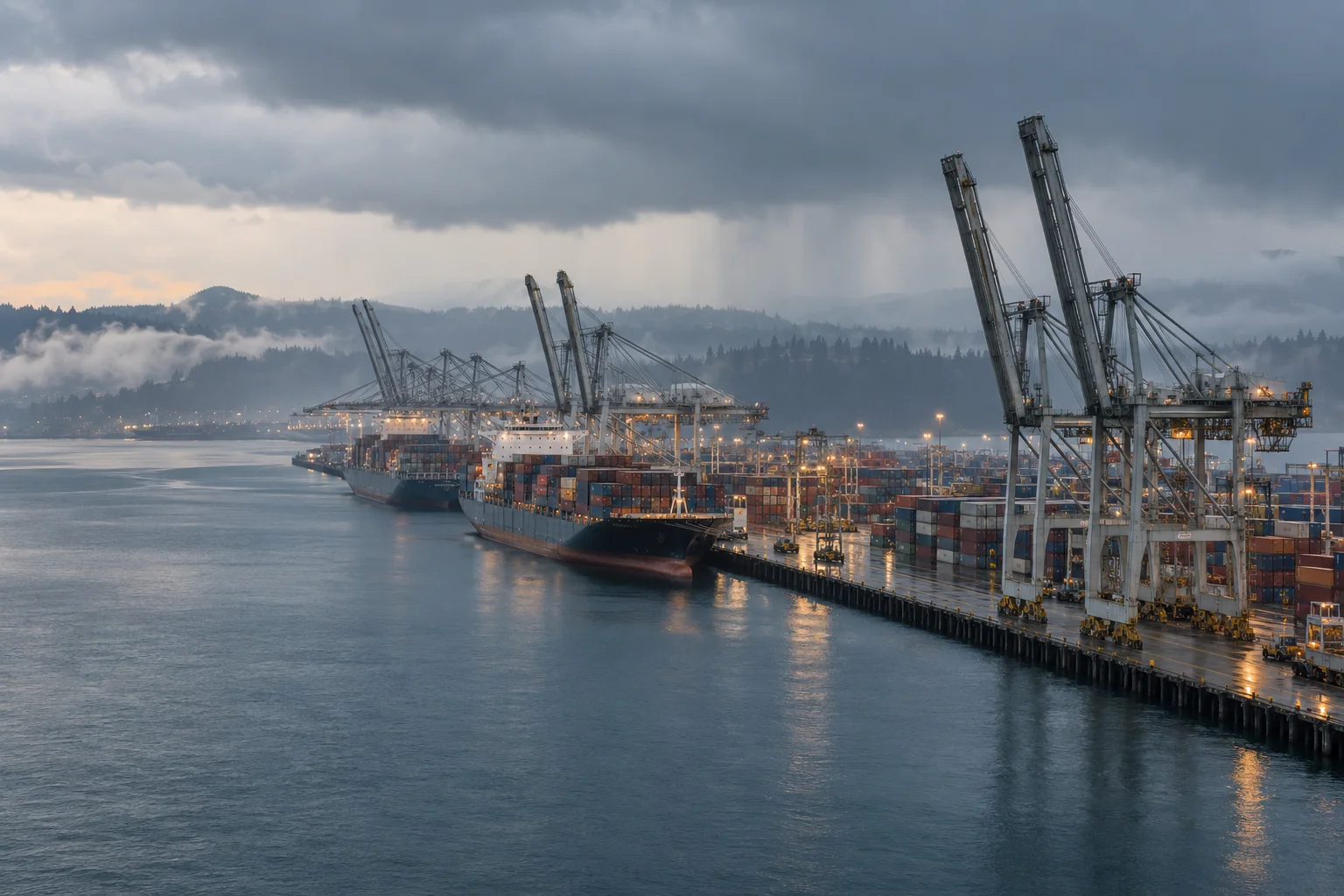
Across the waterfront. Along the network.
Different operations.
Specific decisions.
A terminal operator watches wind at the crane. A utility watches fire near a transmission corridor. A dispatcher watches conditions along the next leg of a route.
Choose your industry to see the data, thresholds and views your team can work with.
A closer look / Wildfire
Follow the conditions
from warning to ignition.
Red-flag weather, lightning strikes and satellite hot spots tell different parts of the story. See them together against the infrastructure and land you monitor.
Explore wildfire monitoringApp & APIs
Use OmniWatch.
Or bring the data into your tools.
Give your team a ready-to-use map and dashboards, connect Signal4D to your existing systems through the APIs, or use both.
For developersIn operation
From a service territory
to a global network.
Teams use Signal4D to monitor the assets and conditions their own operation depends on.
See the case studies- Southeastern US utilities
- Tracking tropical-storm threats across hundreds of users.
- Western US utilities
- Monitoring fire risk, lightning and satellite hot spots.
- A global logistics operator
- Reducing weather impact at airports worldwide.
- A South American industrial-gas distributor
- A continent-wide view of perils.
Let’s look at your operation.
Tell us what you monitor and the decisions your team needs to make. We’ll walk you through how Signal4D can help.