The whole picture, on one screen — no integration required.
OmniWatch is the ready-to-use application behind Signal4D. Sign in and your team gets a shared, configurable operating picture of weather, hazards, infrastructure and assets — with alerting tuned to your operation. Prefer to build it in? Every feature here is also available through our APIs.
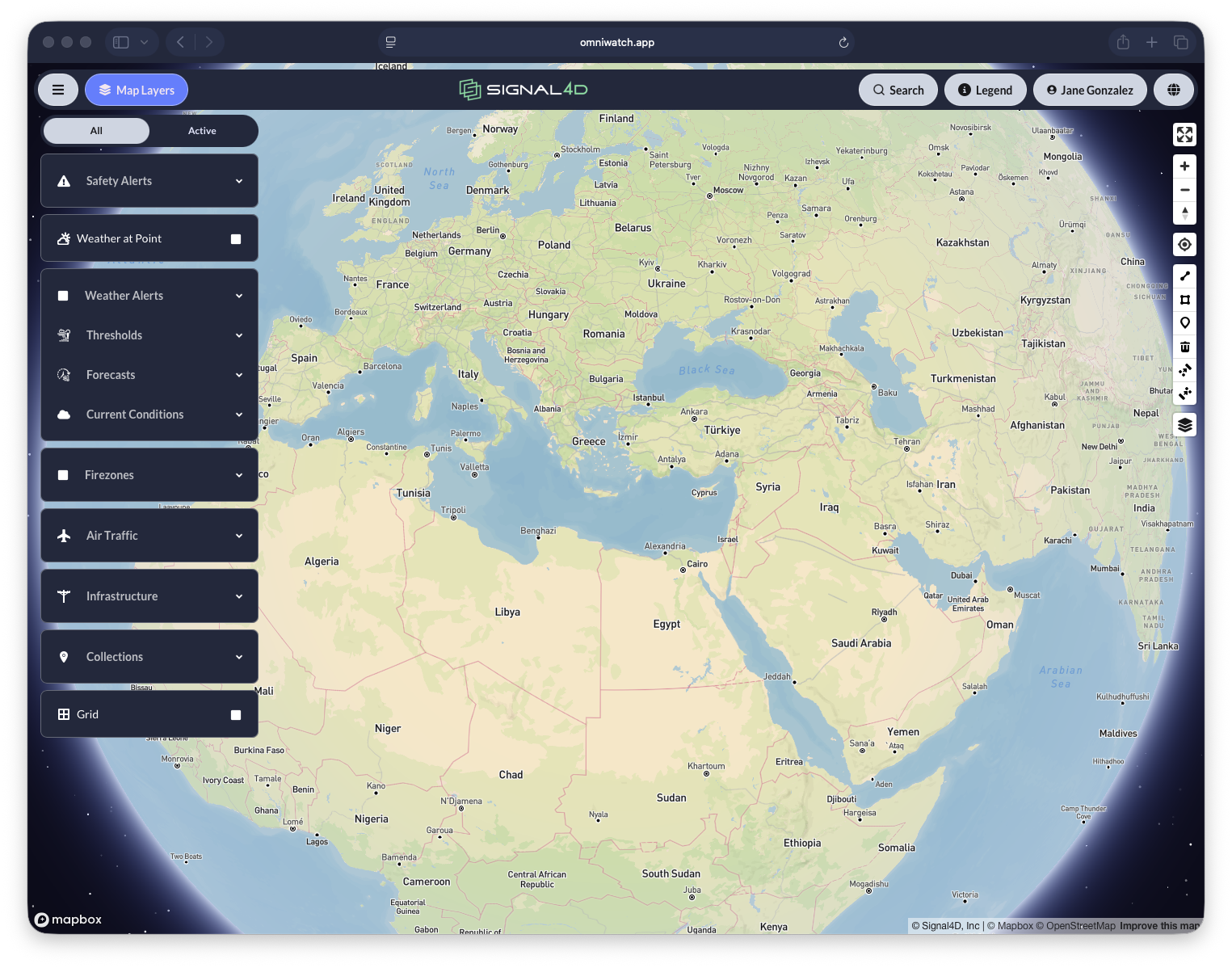
Secure access, ready in minutes
The tour begins the way every user does — signing in and landing on a workspace built around their job.
Secure access & self-provisioning
Role-based security and self-service provisioning get the right people in quickly — without waiting on IT.
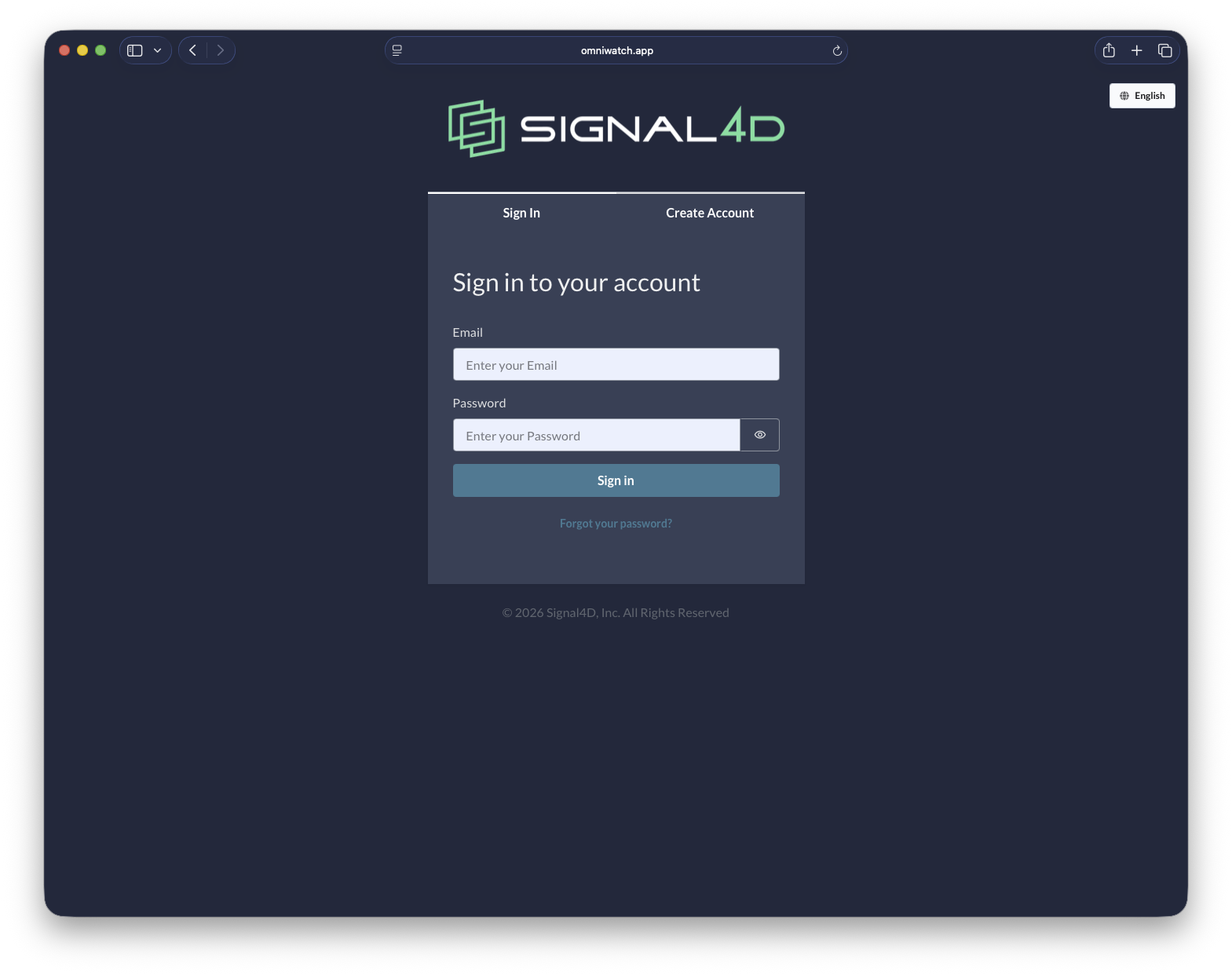
One intuitive interface
Dashboards and a live map come together in a single pane of glass, organized around how each operator works.
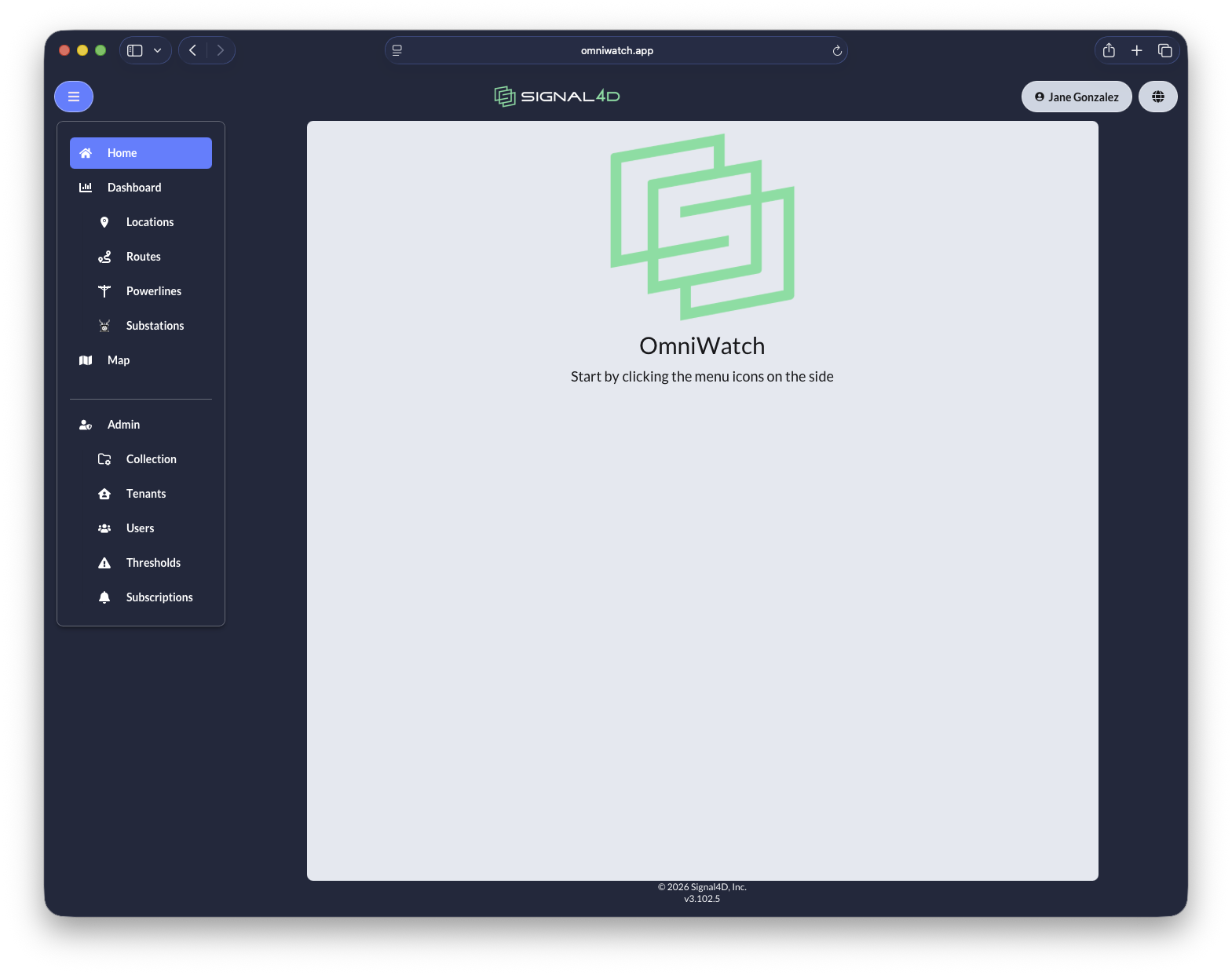
A common operating picture
At the center of OmniWatch is one configurable map that the whole organization shares.
A configurable map view
Layer weather, hazards, infrastructure and assets onto one map — the shared operating picture for your whole organization.
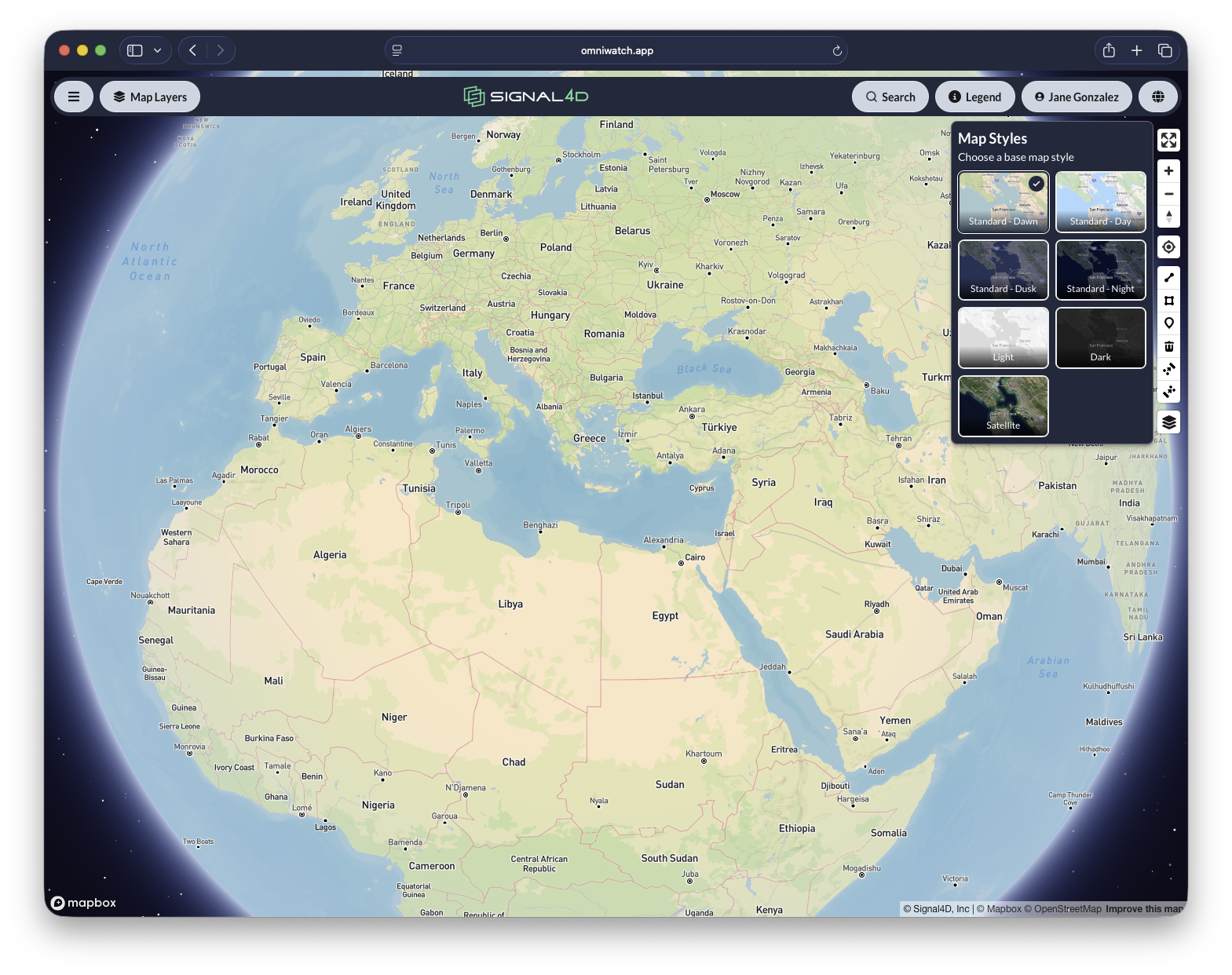
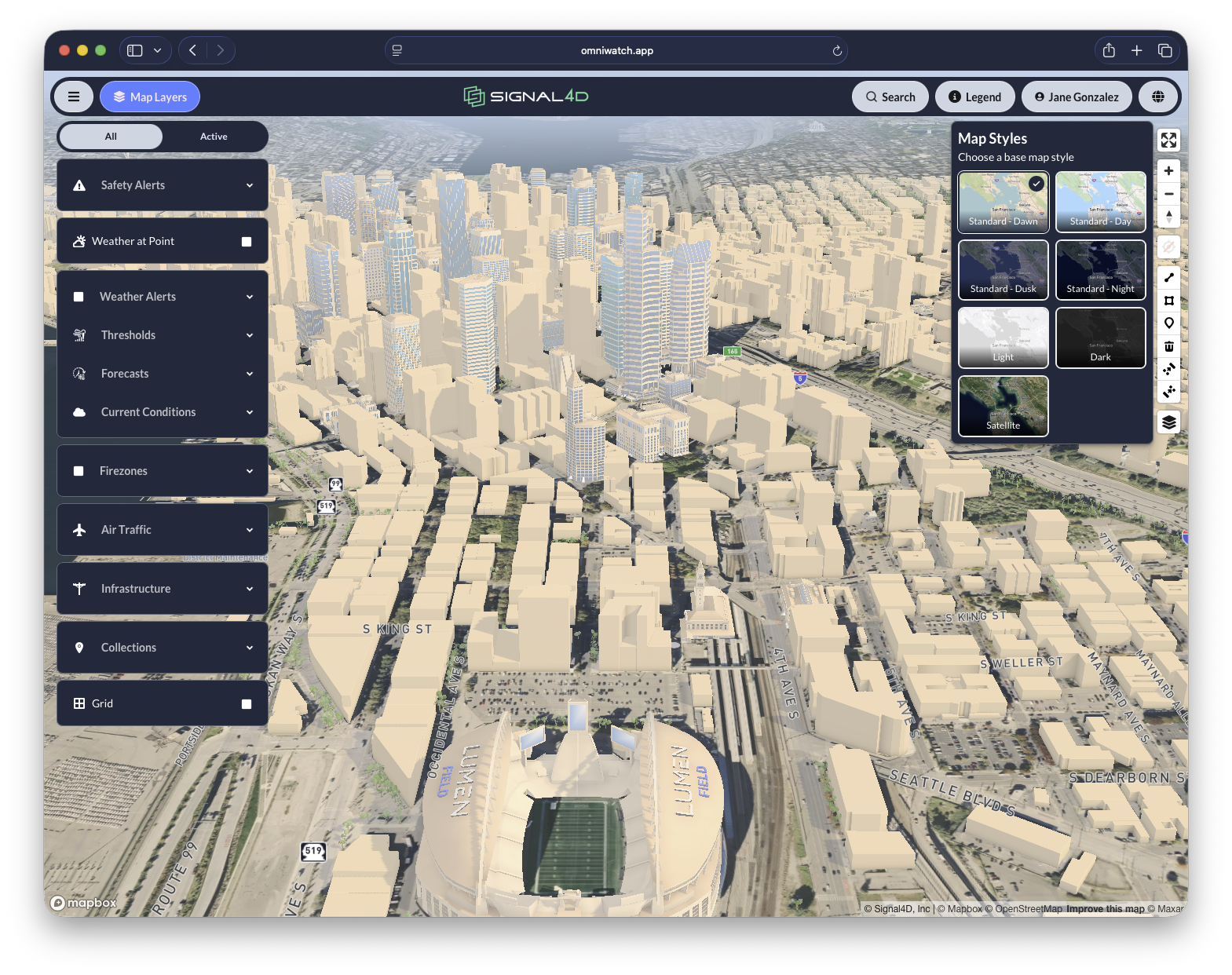
Map displays, your way
Switch between day, dusk, night and satellite base maps so the view fits the room and the conditions.
Configurable weather legends
Change radar products and legends on the fly — base reflectivity, velocity, rainfall accumulation and more.
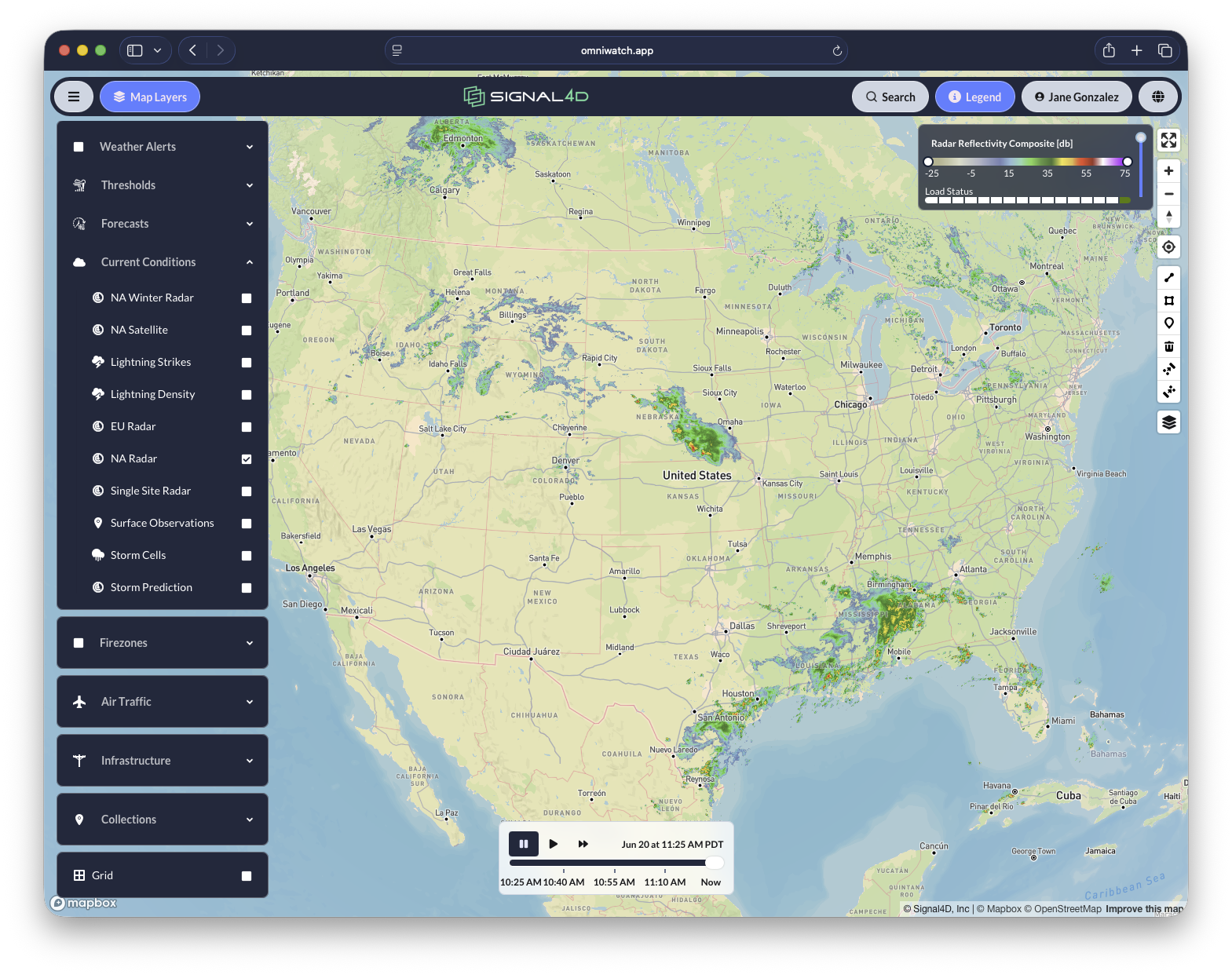
Weather intelligence
On that map, weather comes alive — from a single point to the entire globe.
Detailed weather at any point on the globe
Click anywhere on Earth to pull current conditions and a full hourly forecast for that exact location.
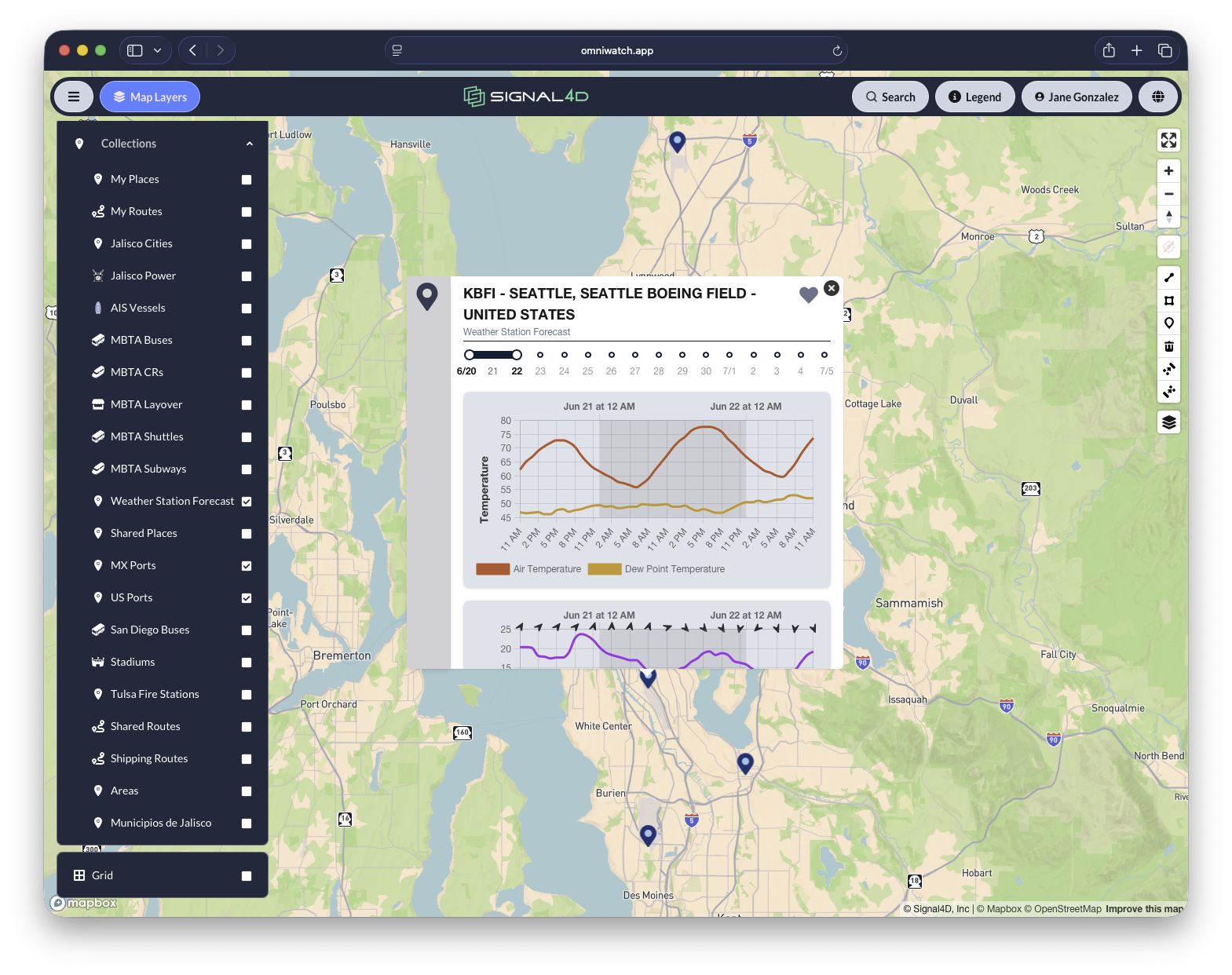
Global, animated forecasts
Scrub forward in time and watch temperature, wind and precipitation evolve across the entire globe.
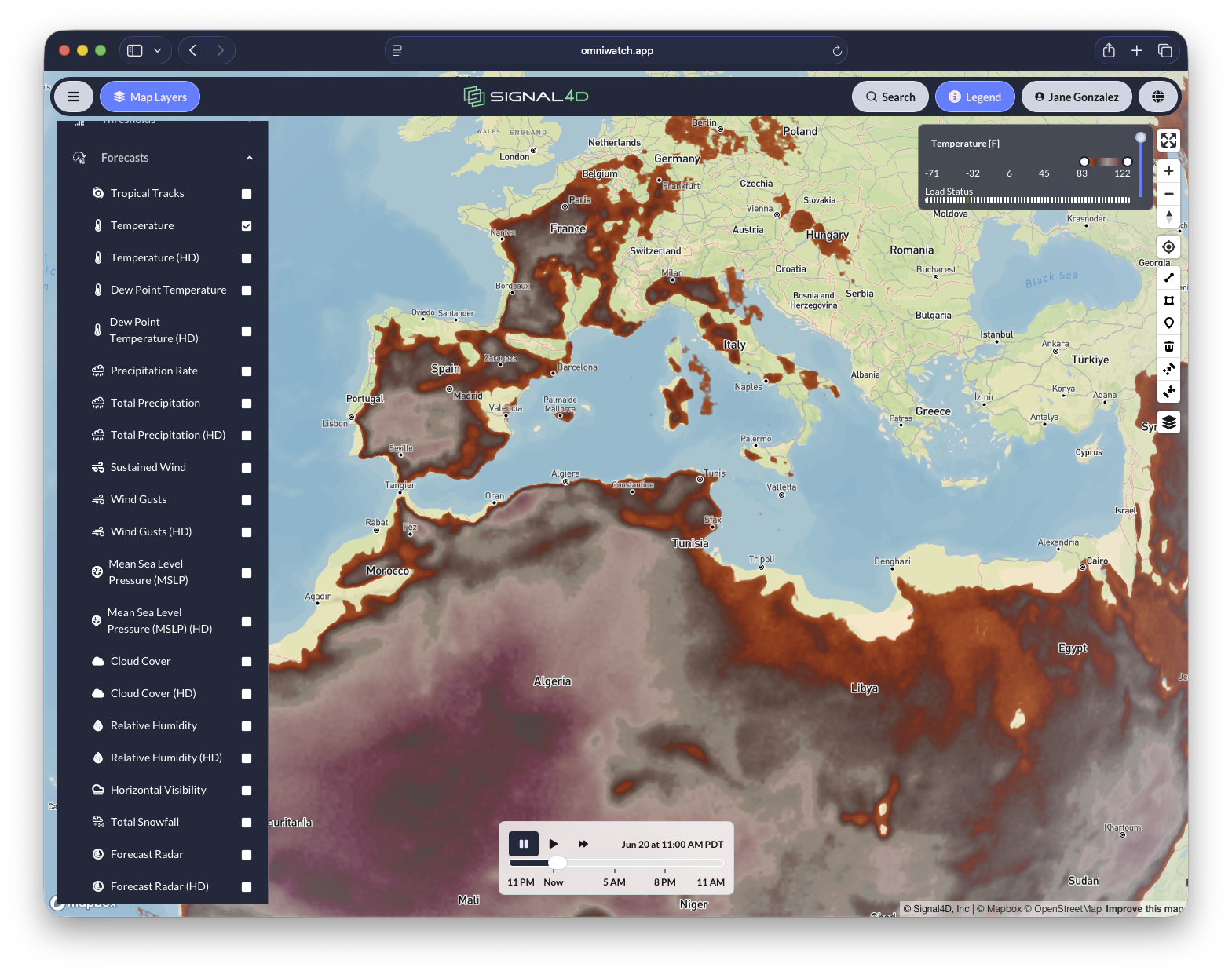
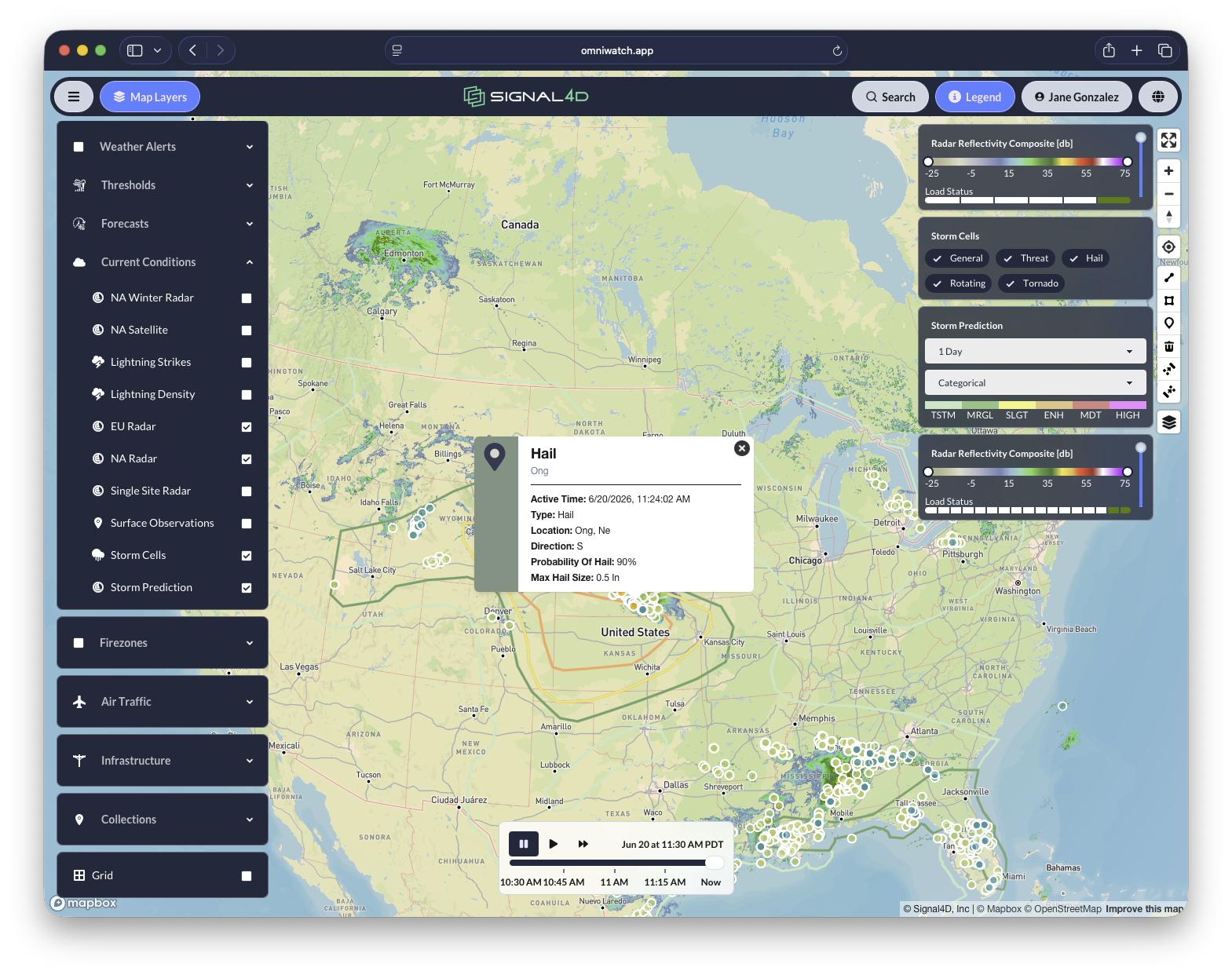
Live current conditions
Radar, lightning, satellite and surface observations layer together for a real-time read on conditions right now.
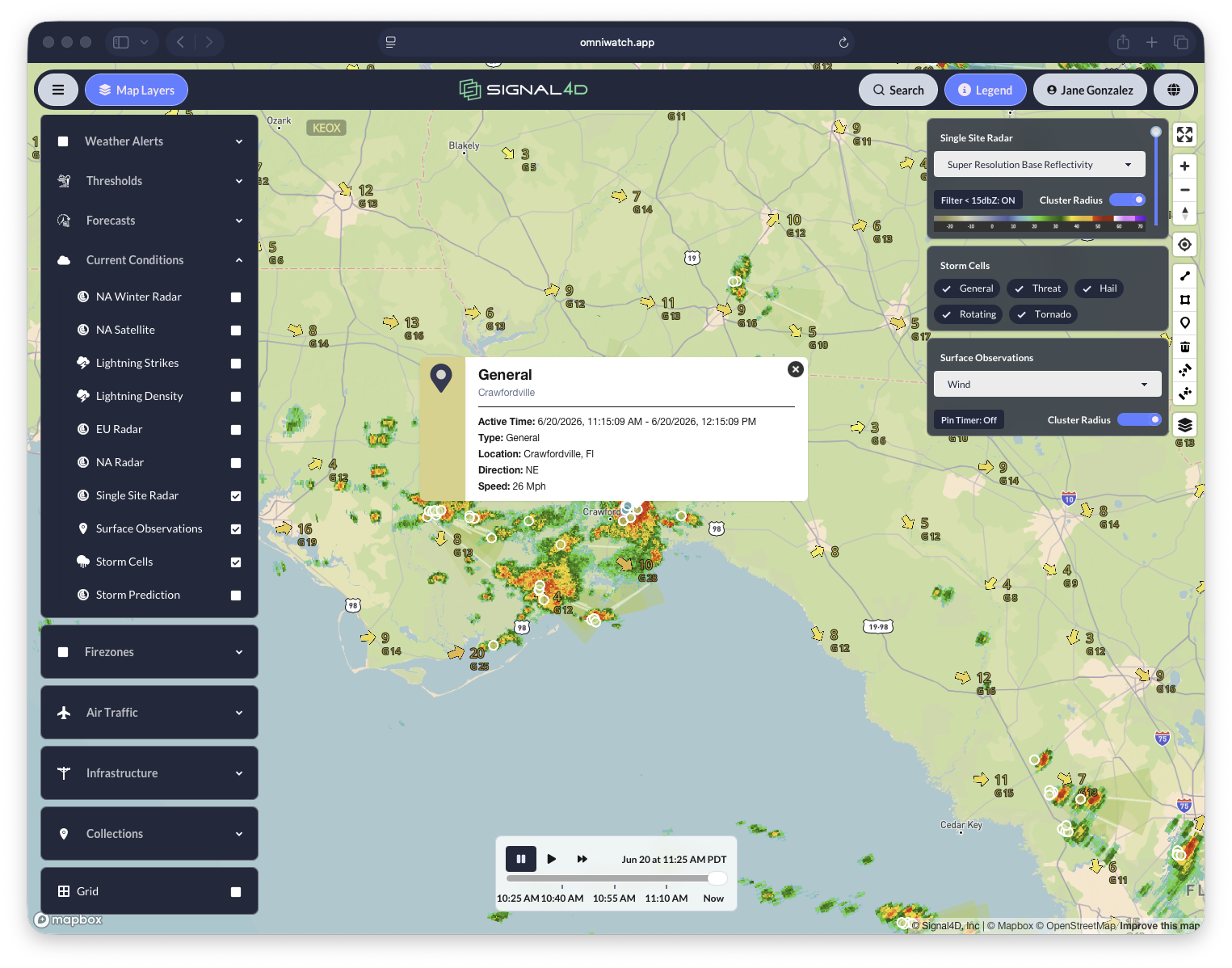
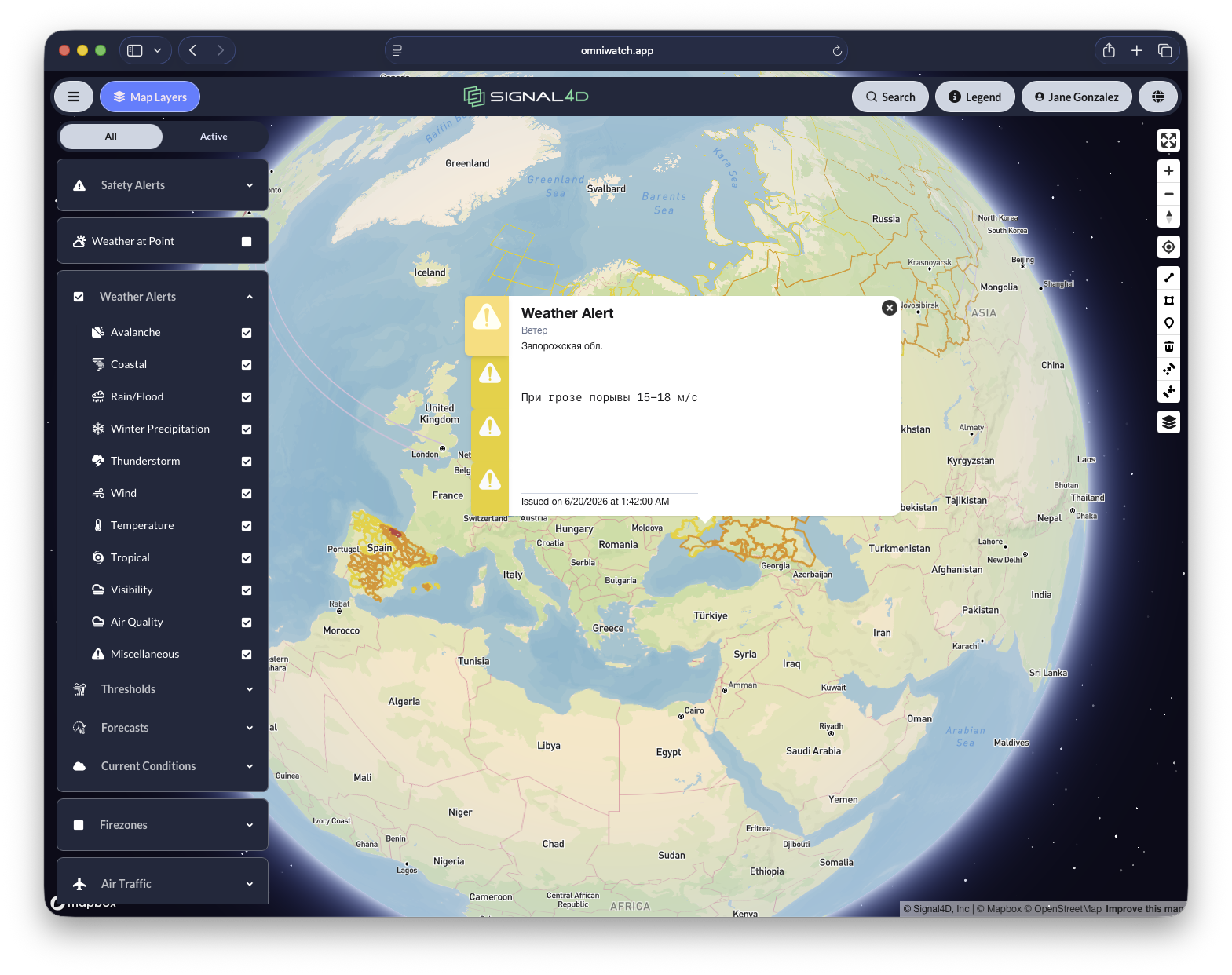
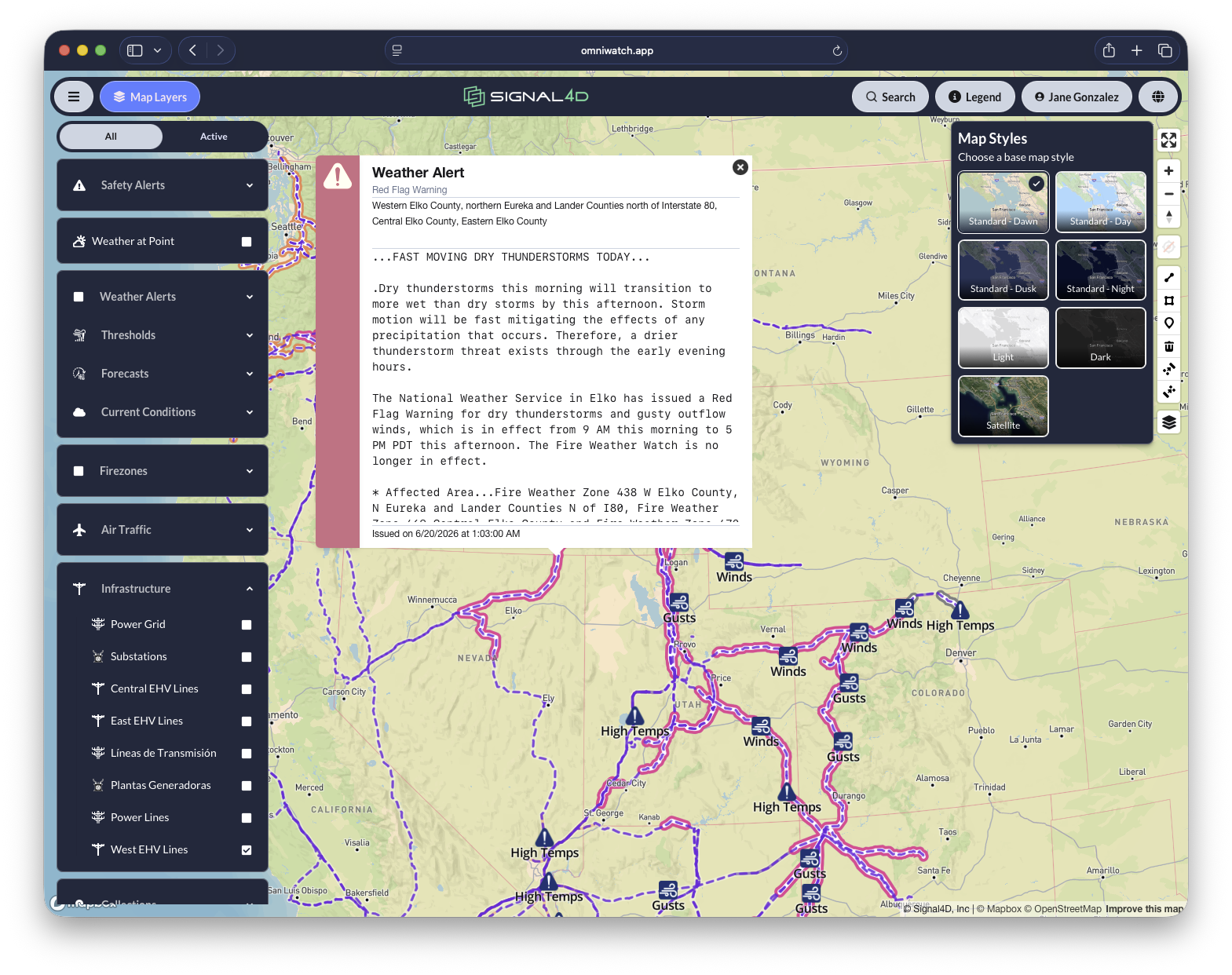
Government weather alerts
Official watches and warnings from agencies worldwide appear on the map the moment they are issued.
Alerting tuned to your operation
Seeing the weather is one thing; being told the moment it threatens you is another.
Customizable safety alerts
Your meteorology team or operations groups define safety alerts tuned to your assets — not generic warnings.
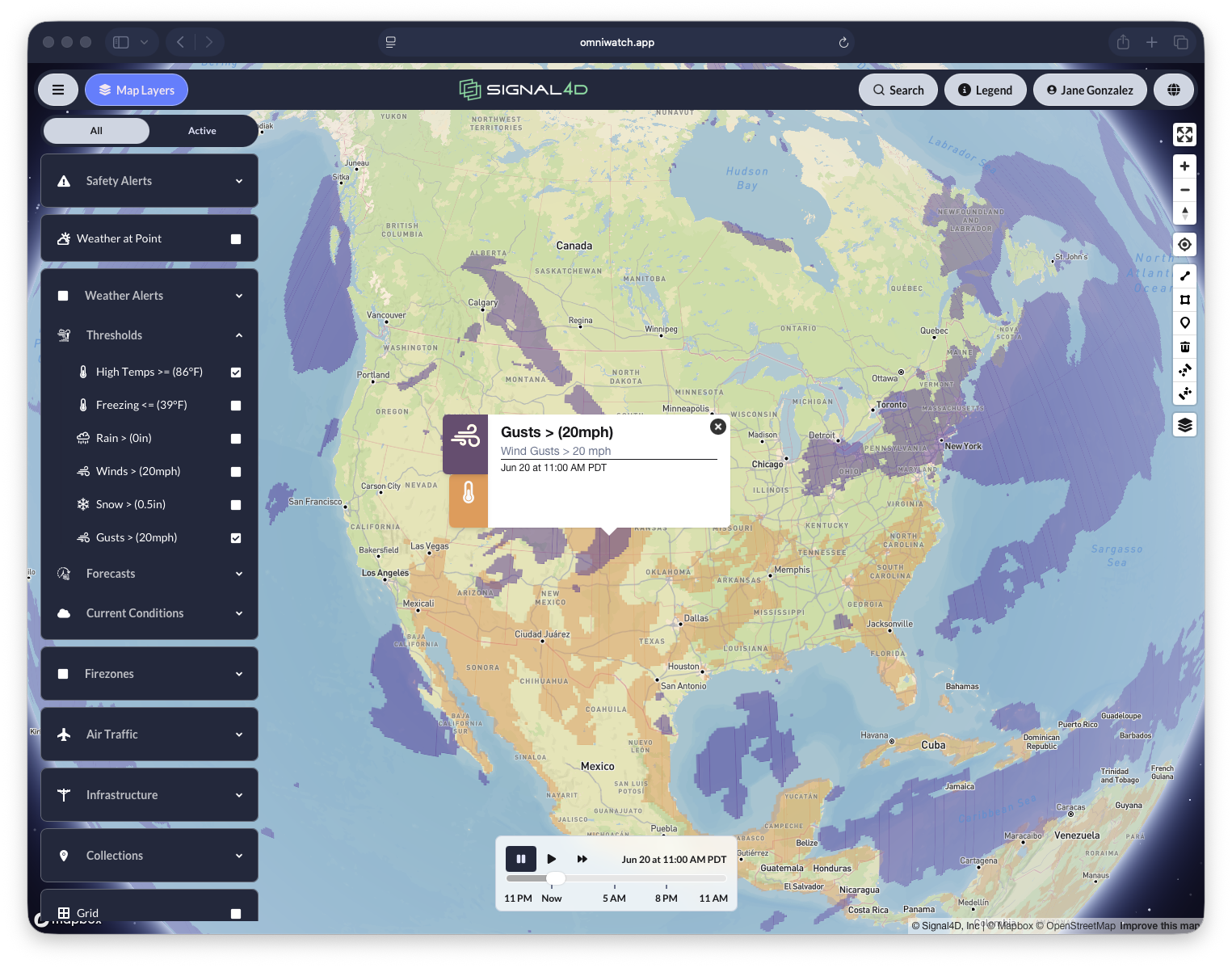
Custom weather thresholds
Set thresholds like sustained wind over 20 mph and see exactly where they are breached across the map.
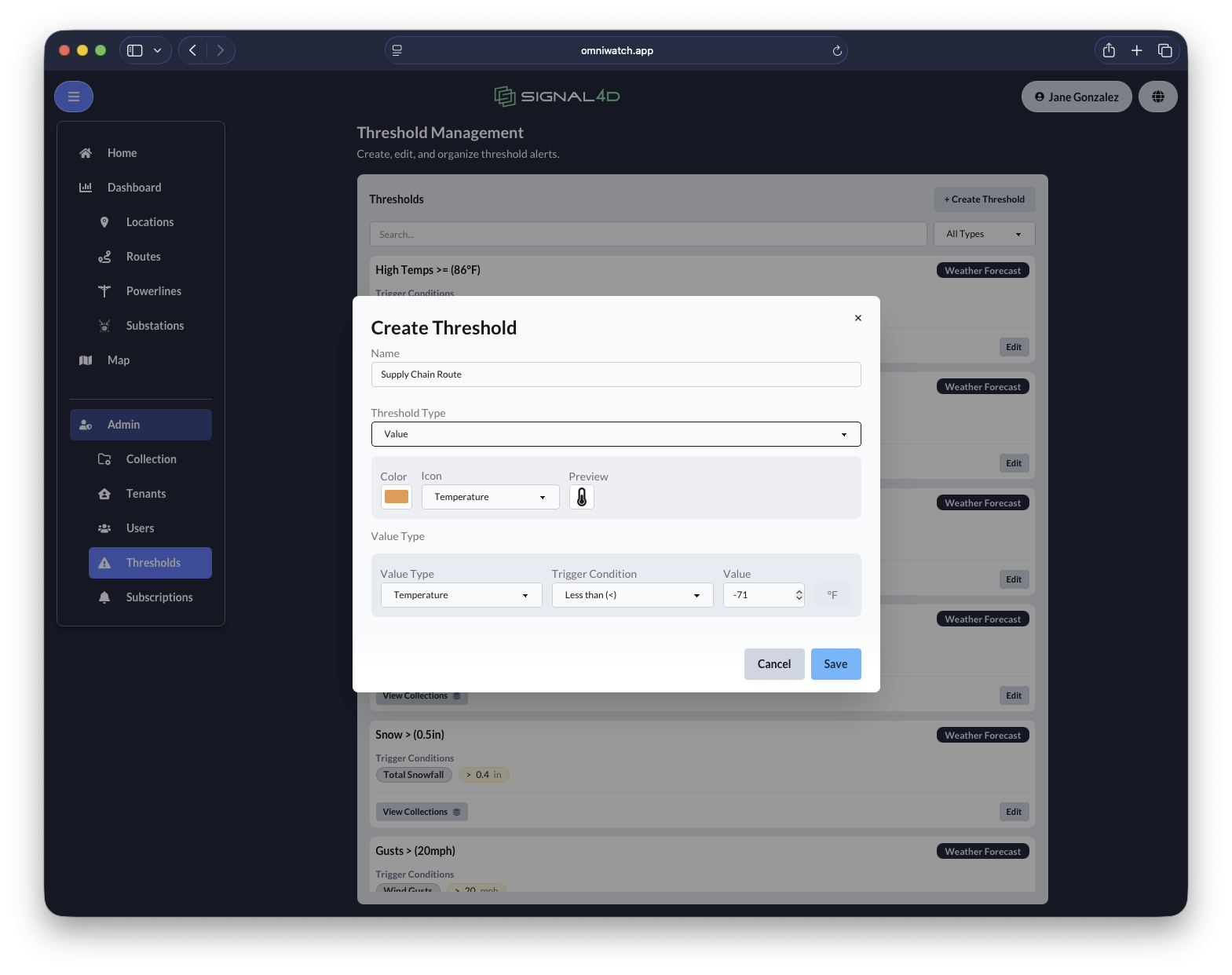
Centralized threshold management
Create, edit and organize every threshold alert across all your collections from one place.
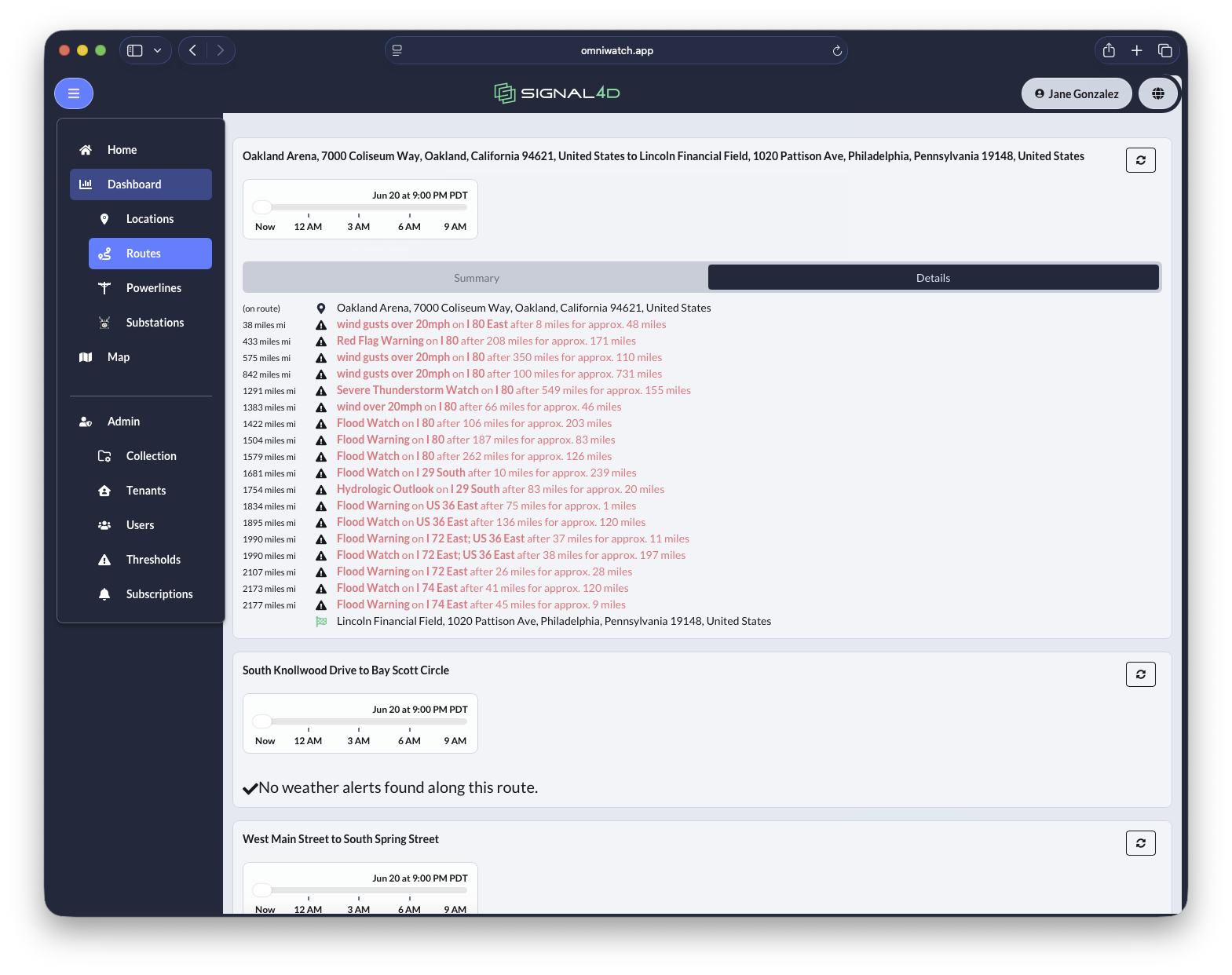
Alert on locations, routes, lines & areas
Monitor points, routes, linear assets and areas — with predictive alerting that warns you before conditions arrive.
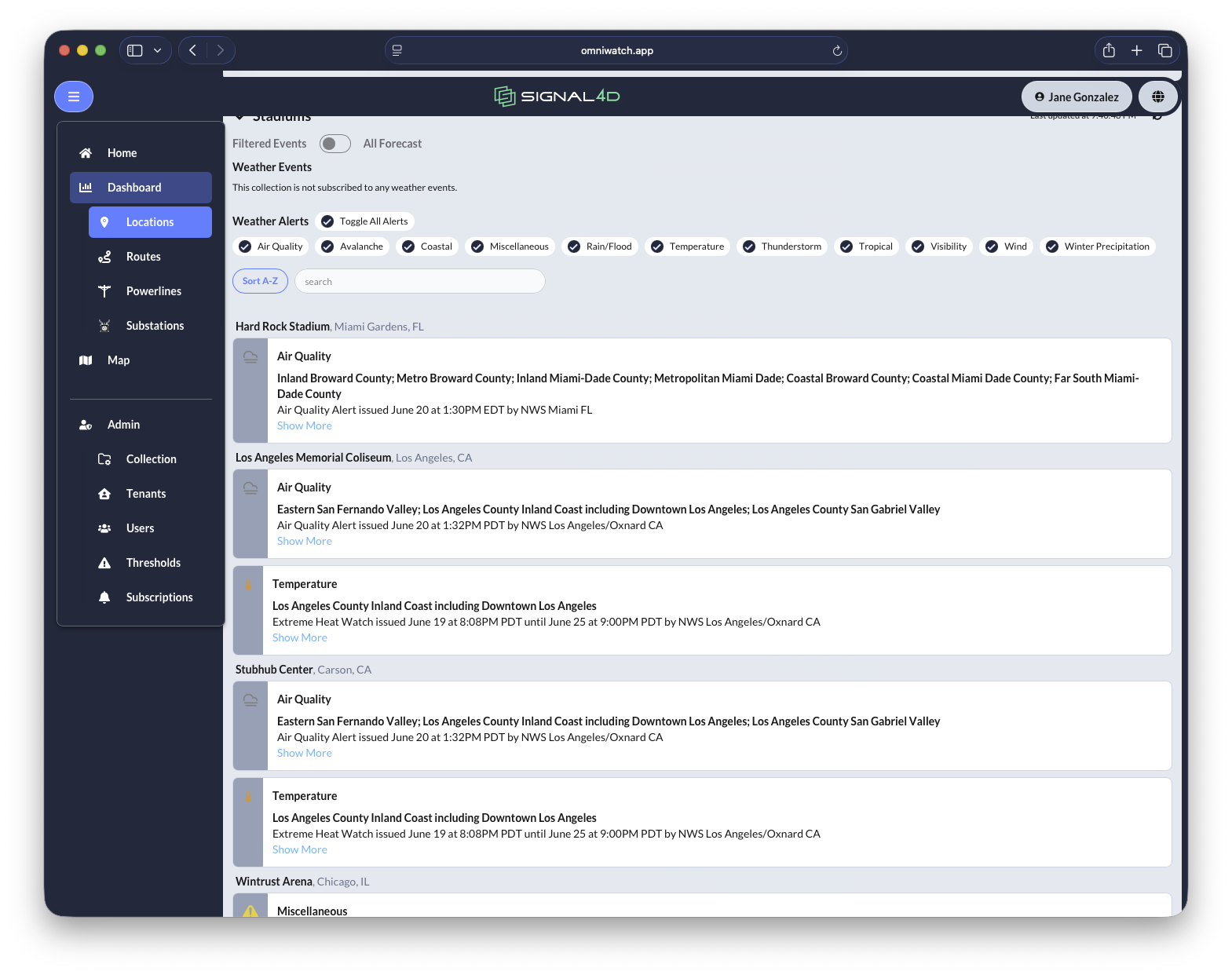
Alert subscriptions
Each user subscribes only to the alerts that matter to their collections and their role.
Hazards in view: fire & air traffic
Beyond weather, OmniWatch watches the hazards that move.
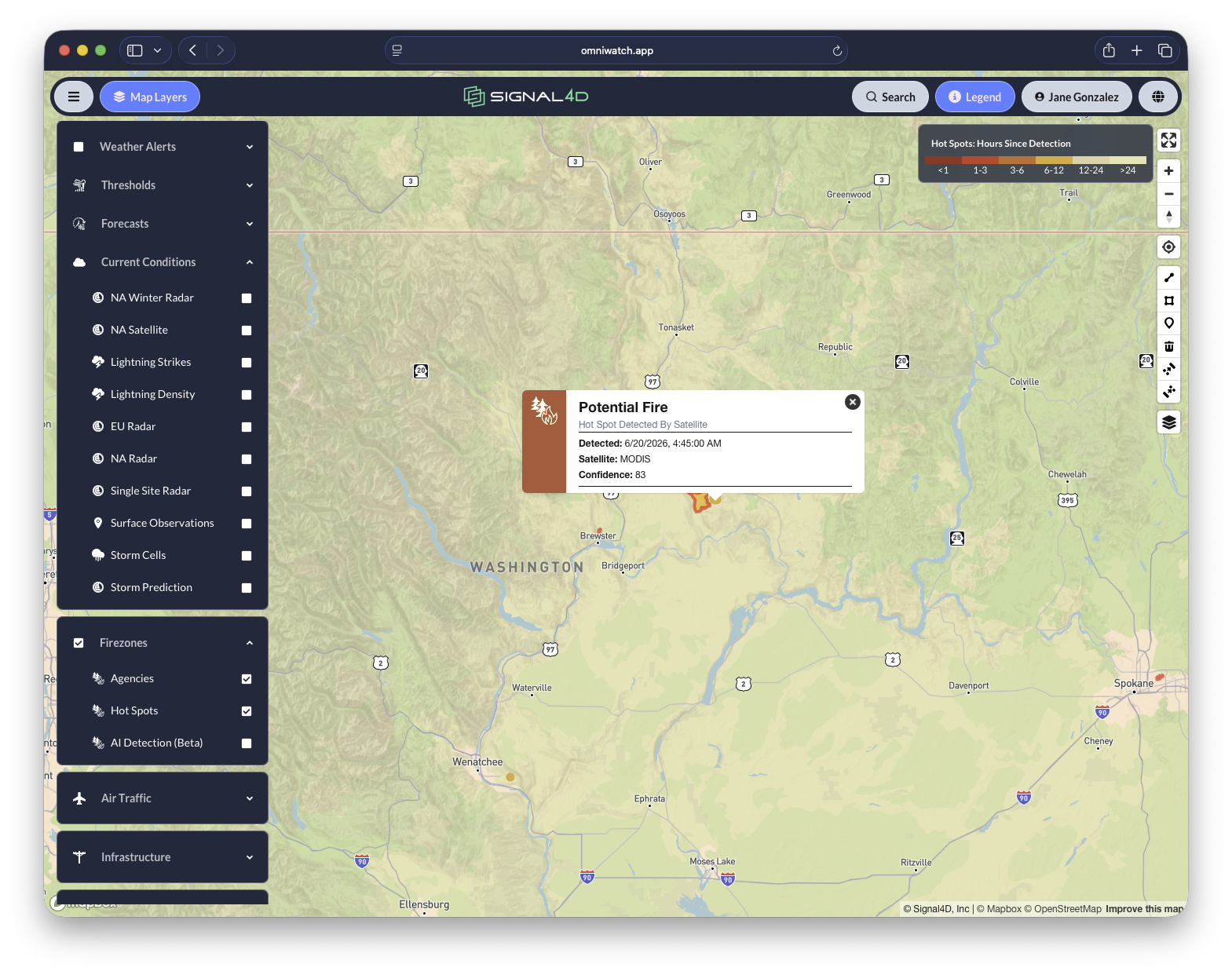
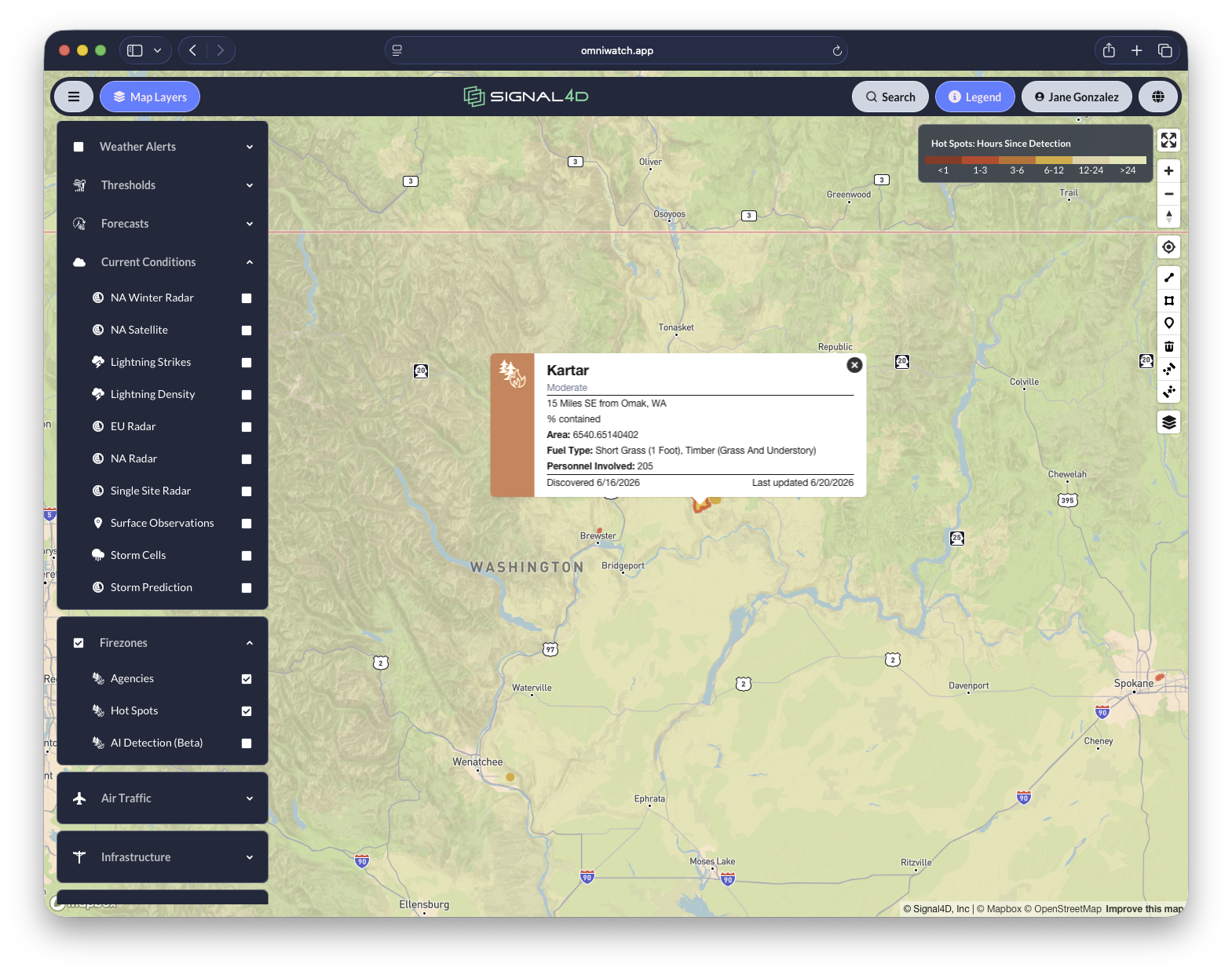
Satellite hot-spot & fire detection
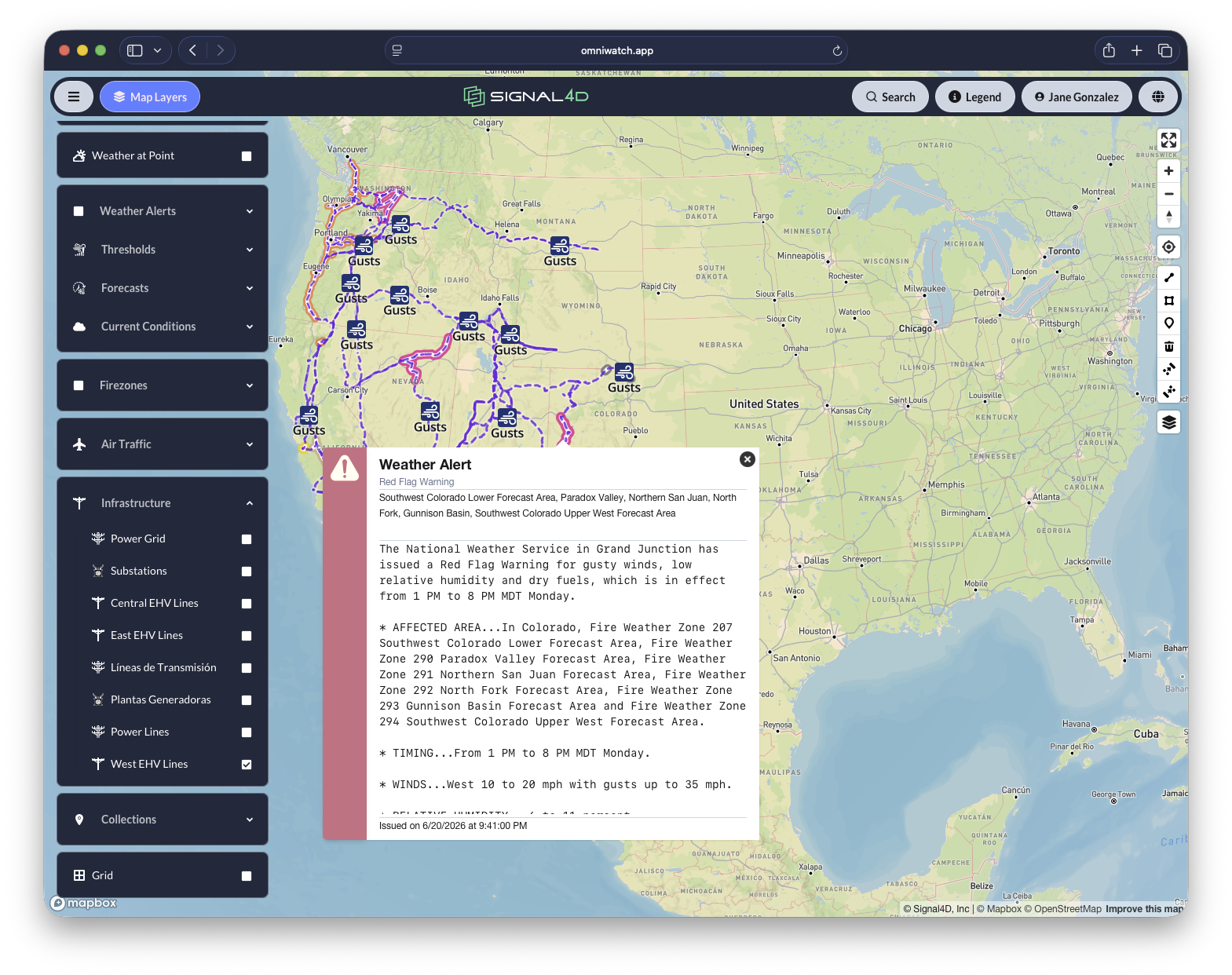
Satellite hot-spot detection and live NIFC incident data surface fires — and the conditions that create them — anywhere on the globe.
Global air traffic
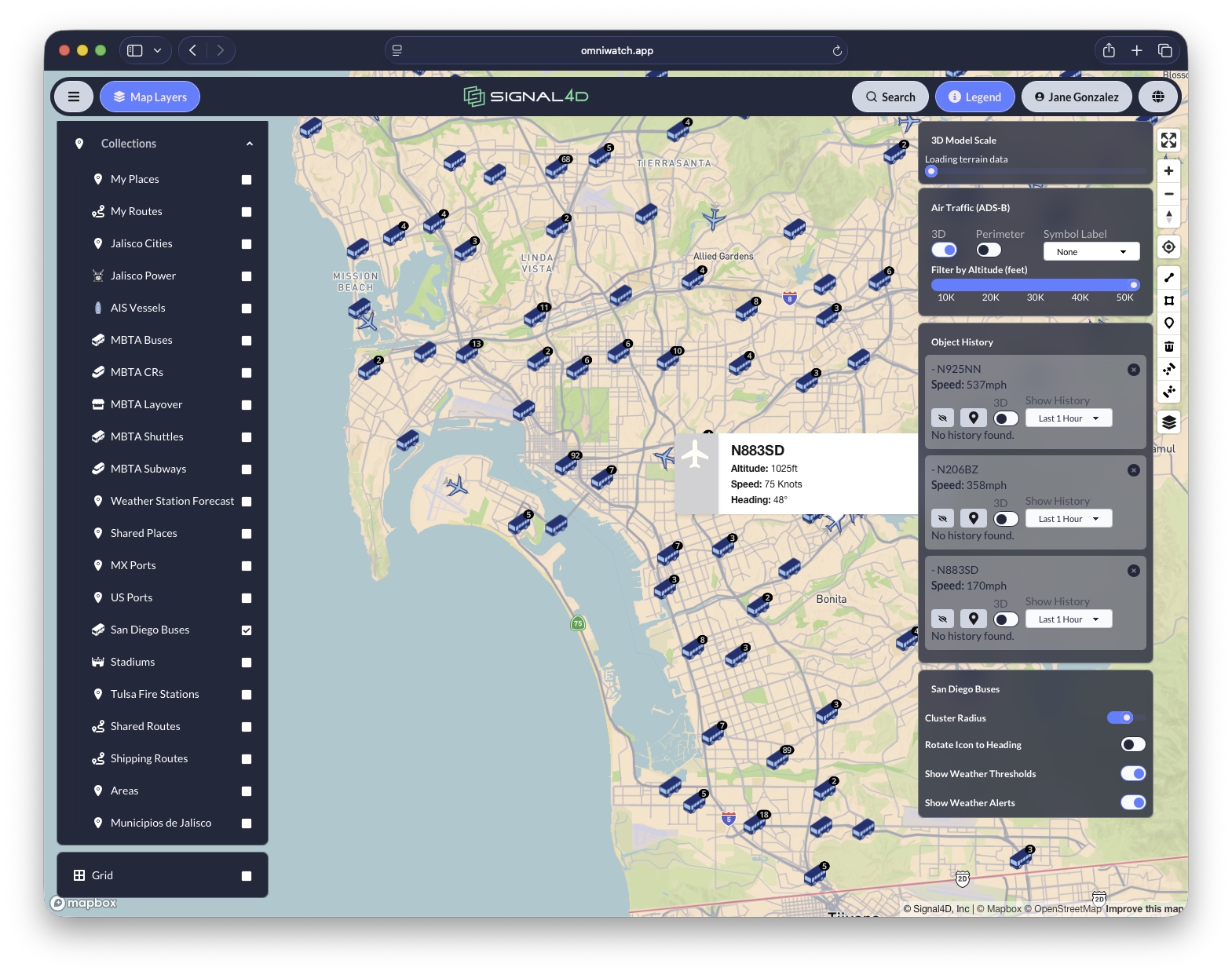
Live ADS-B tracking adds aircraft altitude, speed and heading to the same operating picture.
Your assets & infrastructure
Now bring your own world onto the map — the assets and infrastructure you protect.
Infrastructure monitoring & alerting
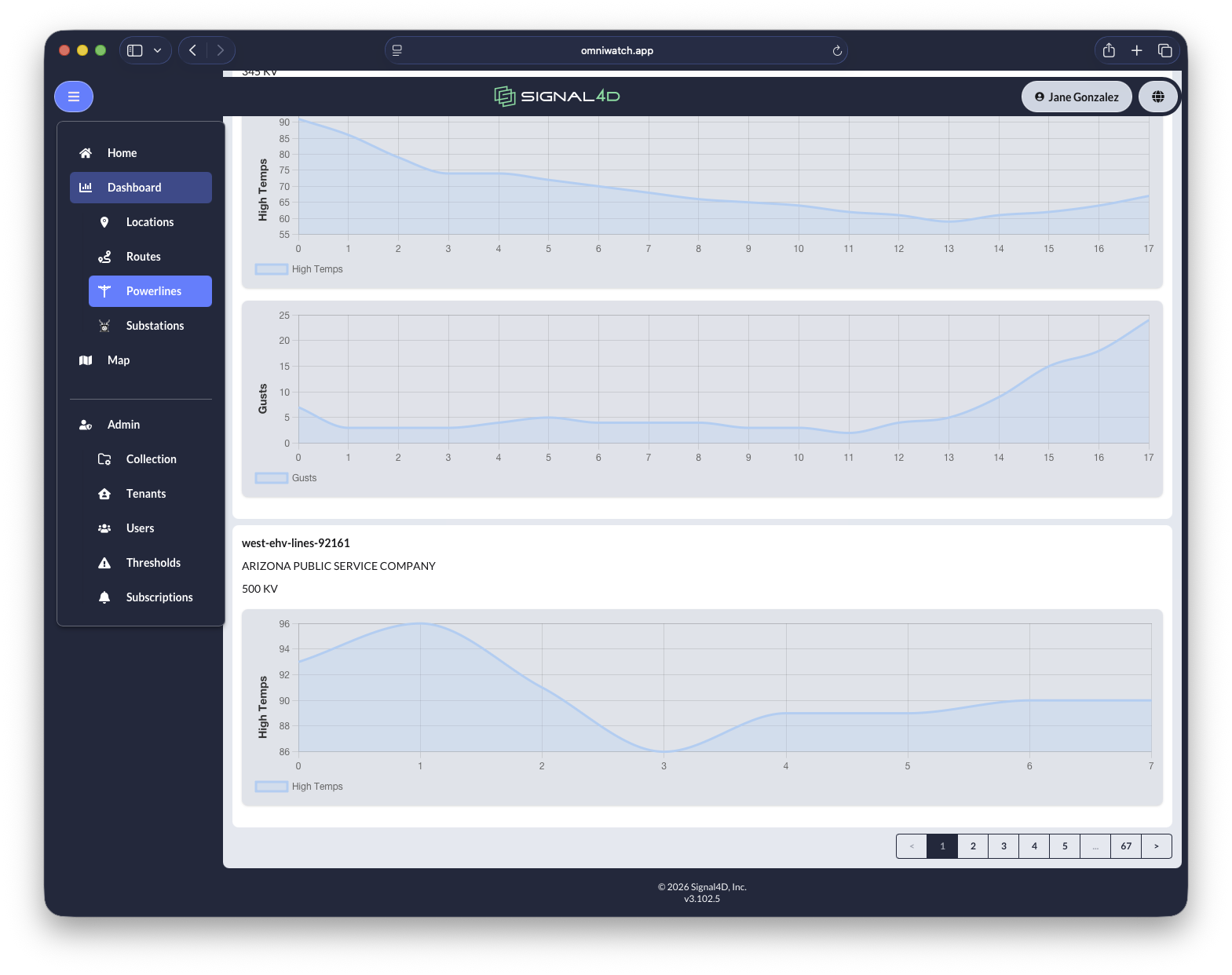
Bring generating stations, substations, pipelines and distribution lines onto the map and alert on the conditions that threaten them.
Extensible asset integration
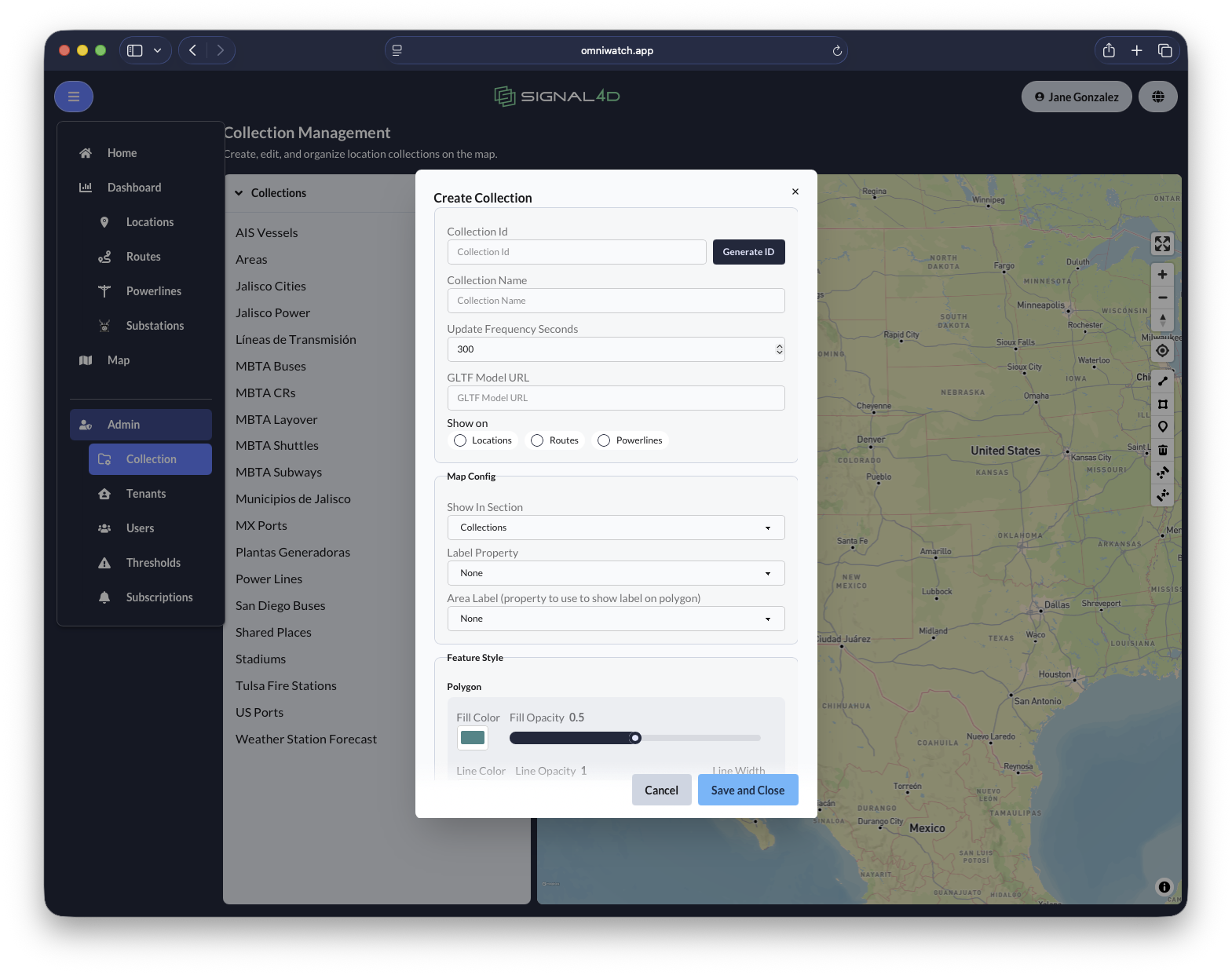
Integrate fixed points, moving-asset telemetry, linear assets and areas from your GIS and asset-management systems.
Built for the whole organization
Finally, the controls that make OmniWatch fit any team, anywhere.
User & group search
Find and monitor any location, asset or route across the organization with user- and group-level search.
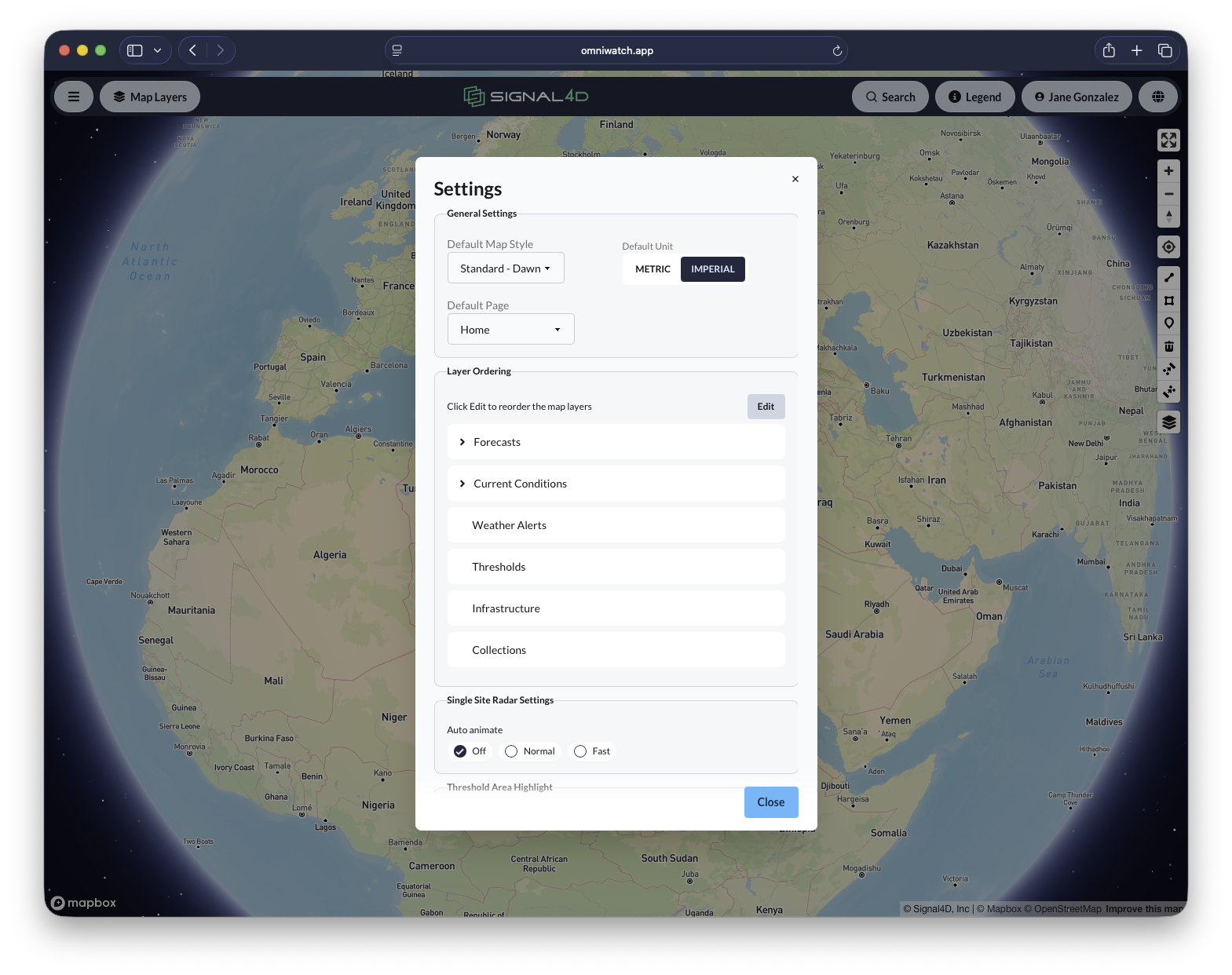
Per-user settings
Every user tailors default map style, units, layer order and landing page to the way they work.
Localized languages
Global teams work in their own language — English, Spanish and Portuguese, with more on the way.
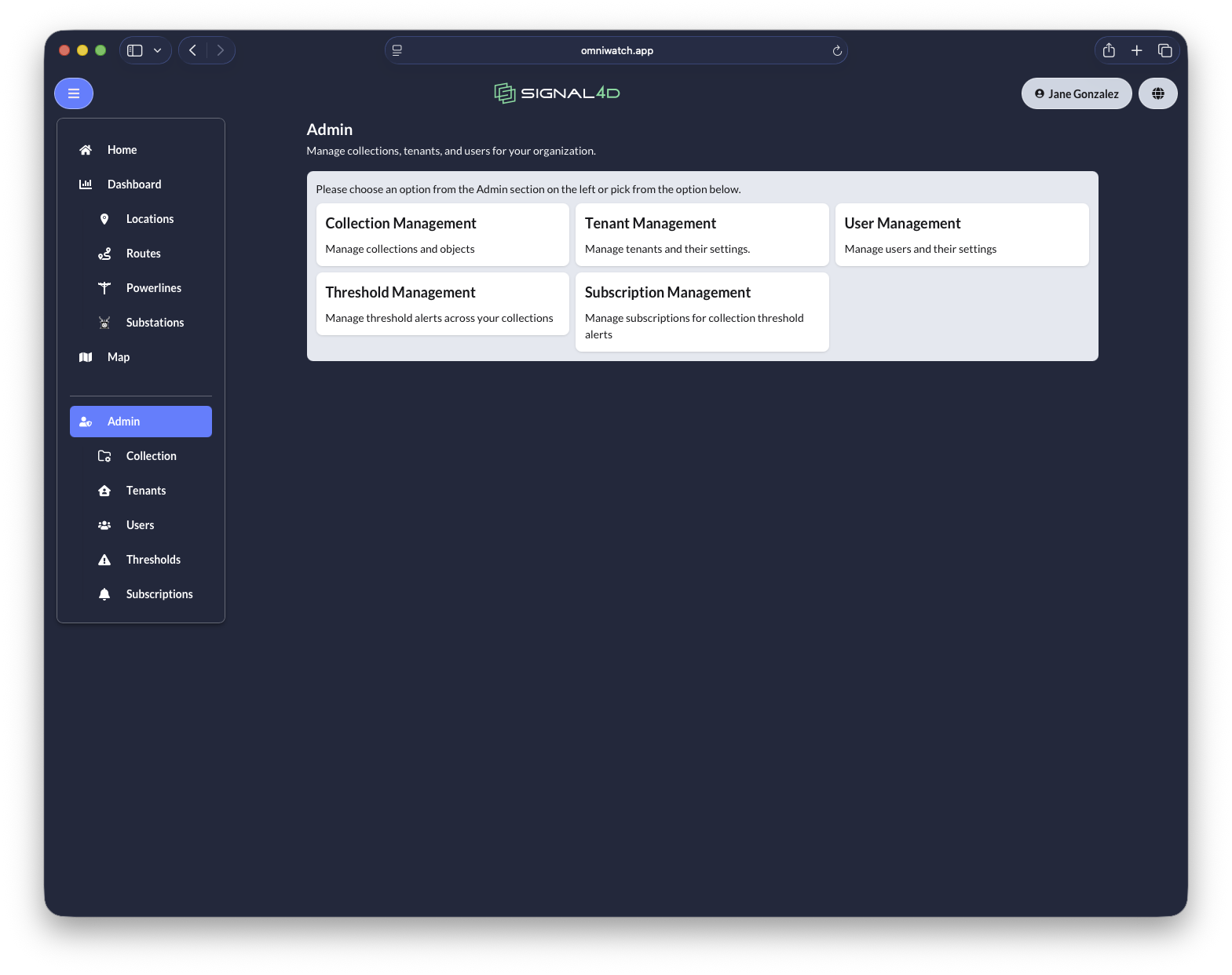
Multi-level administration
Manage collections, tenants, users, thresholds and subscriptions across a multi-tenant organization.
Collection management — UX & API
Curate data collections in the interface, or automate them through the developer API — bringing in and sharing exactly what you need.
Use OmniWatch
The full application, deployed enterprise-wide with role-based access, localization and per-user settings. Nothing to build.
Request a demoBuild with the APIs
Every capability is available through our developer platform — ingest assets, pull weather and hazards, configure alerts and receive webhooks.
Explore the APIsSee OmniWatch on your own operation.
We'll load your assets, your data sources and your thresholds — and show you the operating picture your team has been missing.